
Your Business Profile, the panel that shows your opening hours, address and reviews when someone searches for your company by name, is quietly changing shape on some phones. Google is testing an AI-written summary at the very top of it, labelled AI Overview, with a button that opens a chat. Local search consultant Ben Fisher spotted it first, and Barry Schwartz of Search Engine Roundtable reproduced it on September 17. Google hasn’t announced anything, and the test looks limited for now. Still, the way this summary gets built says a lot about what a small business should be checking right now.
TL;DR
Google is testing an AI Overview at the top of mobile Business Profiles.
A Show more button expands it into an AI Mode style chat about the business.
The summary leans on your own website, so stale pages produce a stale description.
Review your About and service pages, and your profile, before the format spreads.
Get an AI summary of this article
What Google Is Testing on the Business Profile
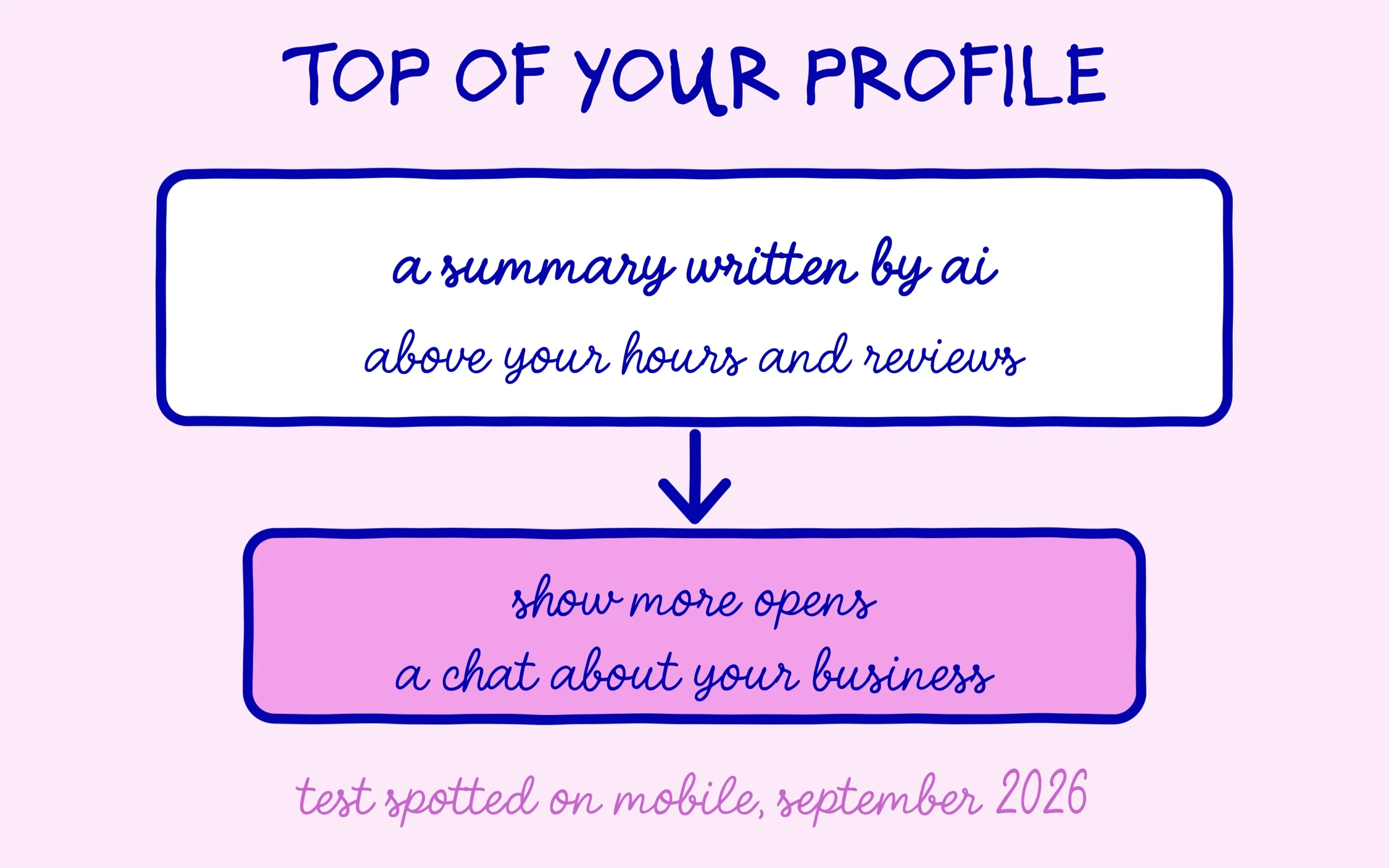
The Business Profile is the block that appears when you search for a specific company: address, phone number, hours, photos and reviews. In the version being tested, that block now opens with a few lines describing the business, with an AI Overview label on top. It’s the same name Google uses for the AI summaries shown above regular search results, which pull from several pages and cite a handful of sources.
Below the summary sits a Show more button. Tap it and you land in a conversational interface that looks like Google’s AI Mode, where people can ask follow-up questions about the business. The profile turns from a listing into a conversation. A customer can now question an AI about you, on top of reading the details you filled in yourself.
Ben Fisher, who specializes in Business Profiles, shared it in a LinkedIn post about the new mobile panel. Barry Schwartz then replicated it on his own company’s profile and documented it with screenshots in his September 17 write-up on Search Engine Roundtable. He added that he thinks Google has been testing variations of this for a while.
Keep it in proportion, though. There’s no official announcement, and tests like this can vanish as fast as they appear. What has been observed is limited to profiles viewed on mobile, with no word on which countries or industries are included.
Discover the SEO Noobies agency
Why the Summary Depends on Your Own Website
The most useful detail comes from Barry Schwartz’s take on his own company’s summary. He found it mostly accurate, but flagged that a section about niche solutions was a bit dated. He admitted straight away that he couldn’t blame the AI, because the content on his corporate site is very old too. In other words, the summary drew on the website, and it faithfully repeated what was no longer current.
That matters a lot for small businesses. Plenty of brochure sites were built once and then left alone for years: a services page still listing something you stopped offering, an About page describing a team that has changed, summer hours nobody took down. A forgotten website becomes the raw material. As long as nobody read those pages, the mistakes stayed hidden. Placed at the top of your Business Profile, they become the first thing a customer sees.
The same pattern already shows up in assistants like ChatGPT. When an AI can’t find clear information about a business, it fills the gaps with whatever it finds elsewhere, sometimes to a competitor’s benefit, as we covered in our piece on AI answers that fill the gaps with a competitor. Barry Schwartz summed up his own unease by saying he’s not sure he wants AI describing his business when he can do it himself. Fair point. That said, nothing in the observed test shows a way to write or edit that summary directly.
What to Check on Your Business Profile Today
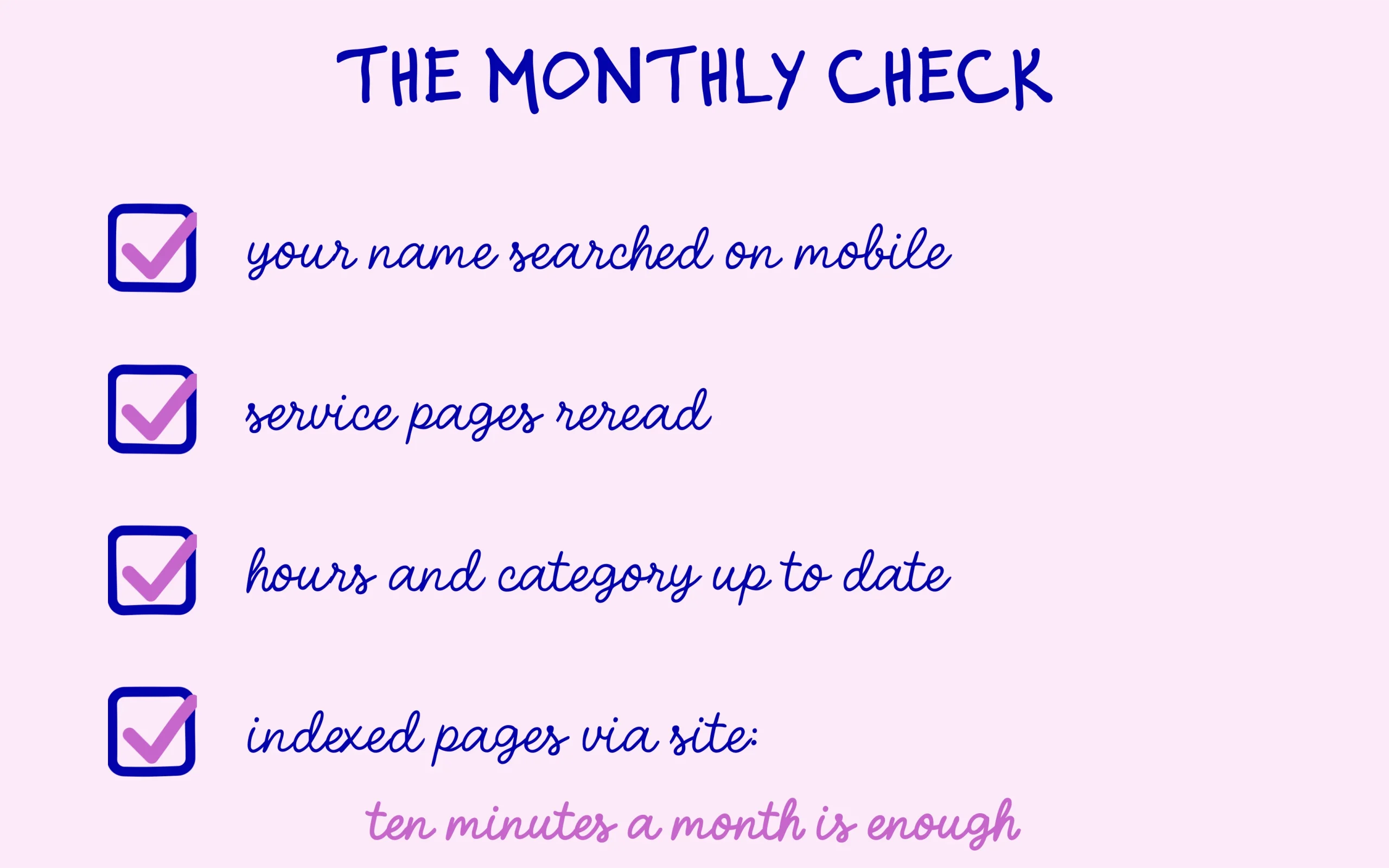
Start by searching for your company name on your phone, in a private window, and look at what shows up. Even if the summary hasn’t reached you yet, which is the most likely case, the check is worth it: you see your profile the way customers do, including wrong hours, old photos or a poorly chosen category that a summary could repeat tomorrow.
Next, reread the pages that describe your business: the homepage, the About page and each service page. Ask yourself one question for each: if an AI summarized this page in three sentences, would the result match what you actually do today? Every discontinued service, old address or outdated price should be fixed or removed. To see which pages Google knows about, type site: followed by your domain name into Google, with no space, and scroll through the list. Our guide on checking your AI citations for free covers the next step, once your own pages are clean.
Finally, complete the profile itself: a description written by you, the right primary category, accurate hours including holidays, recent photos and replies to recent reviews. Nobody knows yet how Google weighs each source in this format. A complete profile and an up-to-date website carry no risk, though, whatever happens to the test.
One last habit worth building: run this check once a month, say on the first Monday. Search your name from a phone, glance at the profile, then at the list of indexed pages. Ten minutes is enough. The day the summary shows up for your business, you’ll know right away whether it describes the company you run today, and you’ll already know which pages to fix if it doesn’t. For a business that depends on local customers, those ten minutes are probably the cheapest insurance available right now.
Keep learning on SEO Noobies.


[…] usually the first surface the engine reads about a local business, and one that now leads with an AI-written summary at the top. A listing kept current alongside a frozen website sends two signals that contradict each […]