AI impressions do not sit where most people go looking for them. Since 31 August 2026, Search Console has had a screen of its own for AI Overviews and AI Mode, separate from the performance report you already know, with its own tabs and a single metric. Plenty of site owners open it, see a line going up or down, and close the tab no wiser than before. So let’s walk through that screen properly: where it lives, what each tab holds, what the report does not measure at all, and the three readings that are actually worth your time when you are starting out.
TL;DR
The generative AI performance report sits in Search Console, next to the standard performance report.
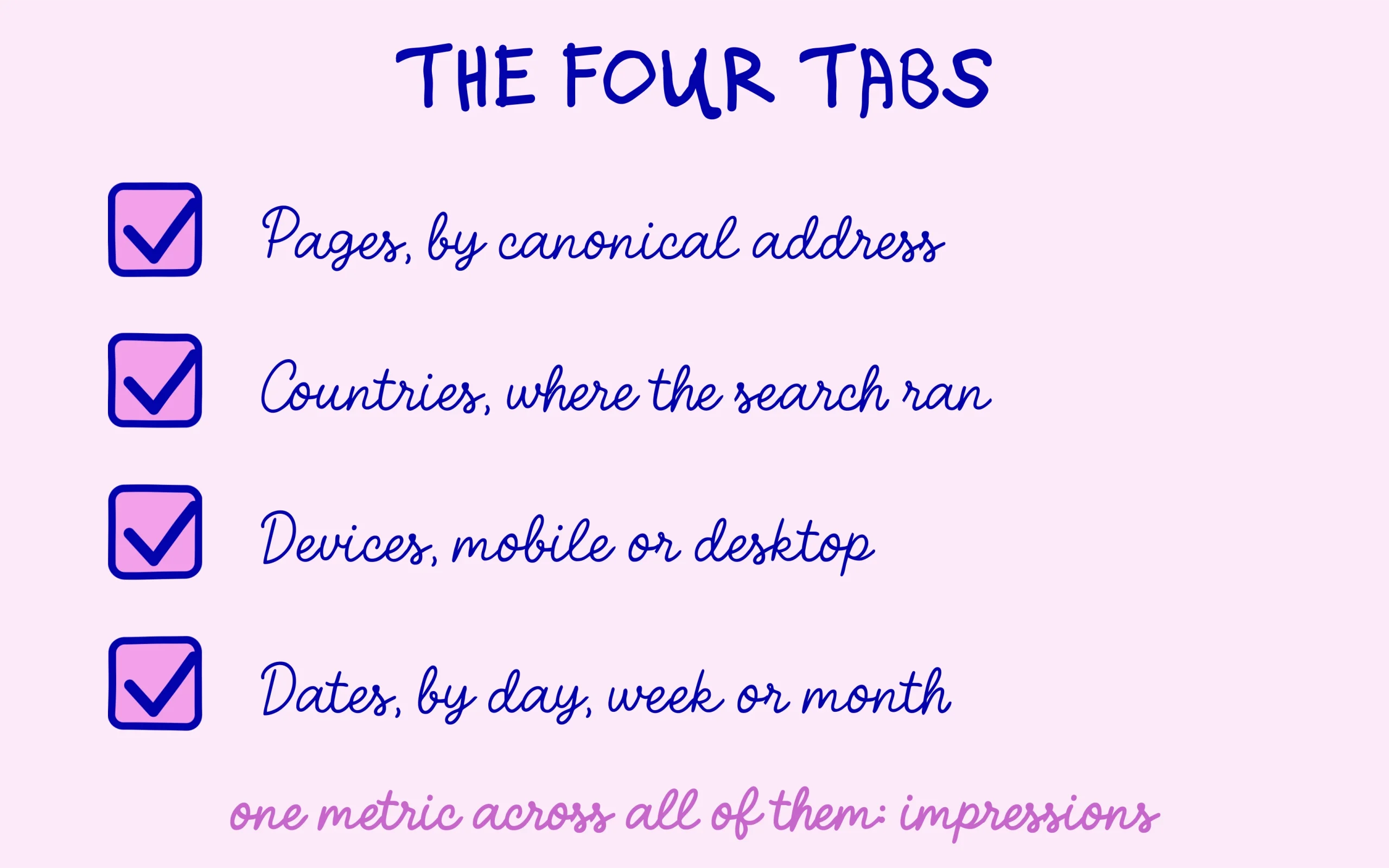
It shows one metric, impressions, split across four tabs: pages, countries, devices and dates.
No clicks, no click-through rate, no average position, no queries: it tells you where you were shown, not what it earned.
Not every property has access, and a site with too few impressions gets no report at all.
Get an AI summary of this article
Where the AI impressions screen lives, and why it sometimes isn’t there
The report has an exact name, worth knowing so you can find it in the help pages: generative AI performance report (Search). It sits in Search Console alongside the other performance reports in the left-hand menu. Its direct address ends in performance, then search-analytics, then ai, which makes it easy to bookmark without going through the standard report first.
What it covers is spelled out in the help page Google devotes to the report: AI Overviews and AI Mode. Search Labs experiments still in development are left out, and impressions from Discover belong to a separate generative AI performance report for Discover. Two distinct screens, which matters the moment you start comparing month-on-month numbers.
First possible surprise: the screen is nowhere to be found on your property. Three documented reasons for that. The rollout has been gradual since 31 August 2026 and not every property has it yet. A site with too few impressions inside these features does not get the report either. And a site excluded from generative AI features has nothing to display there by definition.
That last point points to a setting many owners have never opened. Google’s help page on controlling generative AI in Search describes three states for a property: included, which is the default and lets your content appear in these features, excluded, which hides it, and inherited, which follows the parent property. The default leaves your site eligible, so there is nothing to switch on. Google adds that a change takes a few days to propagate, and that some content takes longer because of caching.
Reading the chart, then the four tabs underneath
The screen comes in two parts, a chart on top and a table below. The chart shows total AI impressions recorded for your property over the selected period. An impression here means a link to your site was shown to a user inside one of these features.
One counting rule deserves attention before you interpret anything. When two results from the same site appear inside one generative AI feature, Google counts them as a single impression. An answer that quotes you three times still registers as a single impression. That is the old difference between counting appearances and counting citations, and it caps how high this number can realistically go.
Aggregation works differently depending on which tab you are looking at, and the help page is explicit about it. Countries, devices and dates aggregate at property level, while the pages view aggregates by page. In practice that means a total on the dates tab will not equal the sum of the rows on the pages tab, and neither of them is wrong. Knowing which level you are reading saves you from chasing a discrepancy that was designed in.
The table offers four ways to group those AI impressions. The Pages tab assigns them to your canonical URLs, meaning the reference version of each page. Countries gives the location the search came from. Devices splits desktop, tablet and mobile. Dates lets you unfold by day, week or month in Pacific Time, an offset worth remembering when a spike lands a day later than expected.
The dotted end of the line on the right marks preliminary data, still being collected and liable to change within hours. A dip across the last two days is not a signal, just an unfinished count. The table itself stops at a thousand rows, which is plenty for a small site and truncating for a large catalogue.
Almost everyone gets caught by the default date range on a first visit. The screen opens on the last three months, while the report itself only exists since 31 August 2026, so a recent site sees its data start partway through the chart. The flat stretch before that is not invisibility, it is an absence of reporting. Change the range before comparing anything, and note the date of your first real data point.
One precedent argues for caution with sharp swings. Between 13 and 18 August 2026, this same report showed impressions that were clearly too low, and Google acknowledged a logging error rather than a real loss of visibility. Before concluding that your presence in generated answers has collapsed, question the measuring instrument first.
The four things this report does not contain
The list of absences matters as much as the list of tabs, because it settles which questions this screen will never answer. No clicks. No click-through rate. No average position. No queries. The report measures your presence in these surfaces, never the traffic it produces.
Most people then go hunting for the missing half in the standard performance report, filtering for queries that came from these features. That does not work: they arrive mixed in with everything else, carrying no label of their own, the way AI Mode queries land in the performance report unmarked. Clicks from an AI Overview cannot be separated from clicks on an ordinary blue link.
This has a practical consequence if you report to anyone, a client, a manager or a board. A slide that shows AI impressions climbing says something real about visibility and nothing at all about revenue, and the gap between those two claims is where credibility gets lost. Say what the number is, name the metric, and keep the traffic conversation on the standard report where clicks actually exist.
Another reflex to drop: addition. The impressions on this screen come from the Web search type of the performance report, they do not arrive on top of it. Adding the standard total to the AI total gives a number that describes nothing.
These limits explain why a whole tool market grew up next door, tracking brand citations inside ChatGPT, Perplexity or Gemini, which Search Console cannot see at all. Citations there behave differently too, since brand mentions weigh more than links in AI answers. Search Console only ever covers Google’s own surfaces, and no setting will widen that.
Discover the SEO Noobies agency

Three questions to check what stuck
What is the only metric the generative AI performance report shows?
Show the answer
Impressions. The report gives no clicks, no click-through rate, no average position and no queries.
If one site is quoted three times in a single answer, how many impressions are counted?
Show the answer
One. Two results from the same site inside one generative AI feature count as a single impression.
What does the dotted section of the chart mean?
Show the answer
That the data is preliminary and still being collected. It can change within hours, so a last-minute dip means nothing.
Three readings that turn the line into a decision
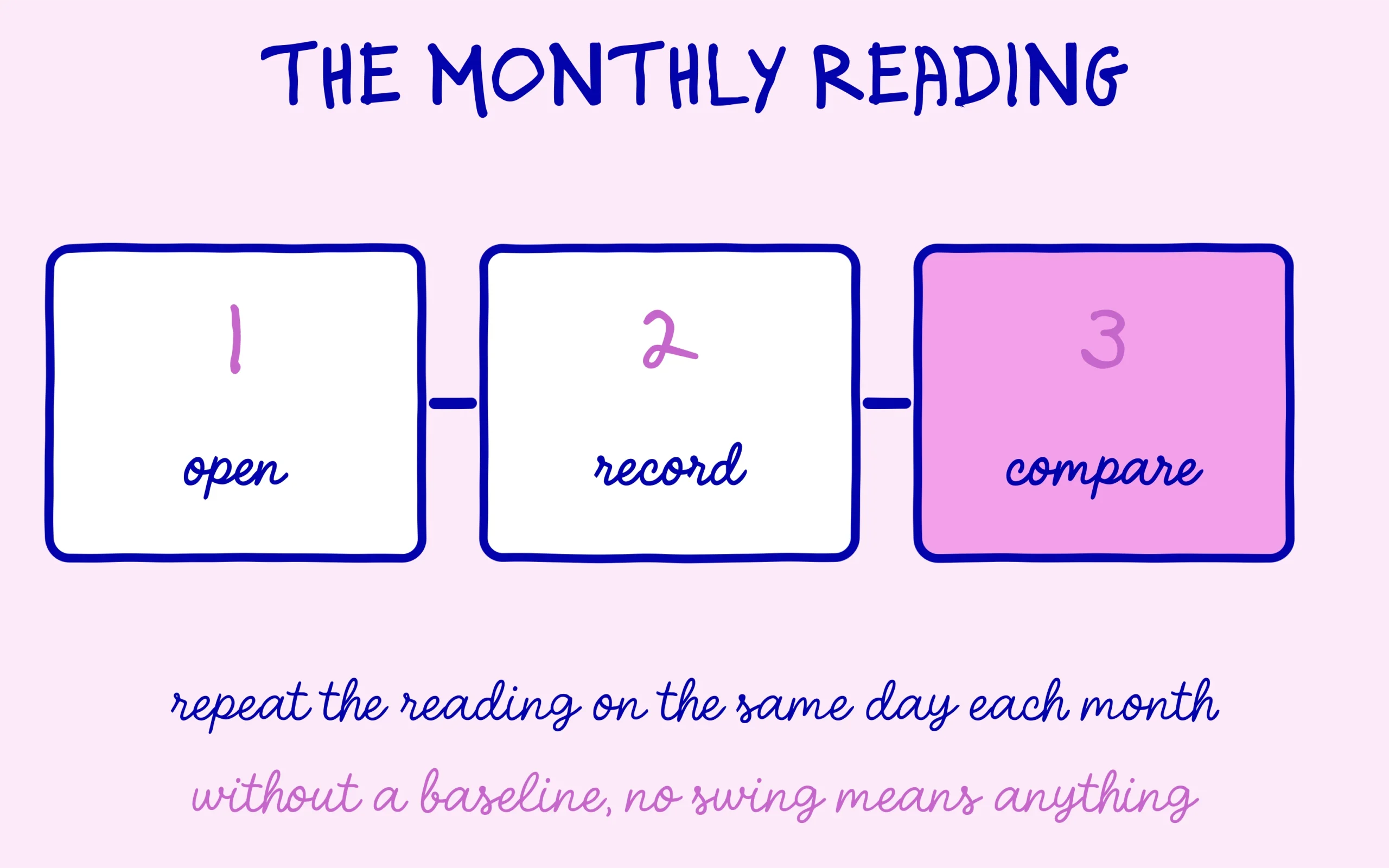
Start by giving yourself a baseline. Open the Dates tab across the last three months, write the monthly volume into a corner of a spreadsheet, and repeat on the same day every month. Without that reference value no future swing can be interpreted, which is why so many screenshots of this report circulate with nothing useful to say about them.
The Pages tab carries the second reading, and it is the most instructive early on. Sort AI impressions in descending order and look at which URLs come out on top. Quite often a page you never thought about holds most of your presence in these answers, usually one that answers a precise question from start to finish. Treat it as a hint about the kind of content these surfaces reuse from your site, and as a candidate for what you write next.
Then cross two screens, without ever adding them up. Note your AI impressions on one side, your organic clicks and average positions from the standard report on the other, over the same period. Steady positions with slipping clicks, while AI impressions climb, is the pattern many sites have described over the past year. None of that proves causation, it gives you a thread to follow across several months with the same columns.
A fourth reading opens up once the spreadsheet holds a few months of history, and it concerns countries. A site selling in one market that sees AI impressions climbing in another has learned something useful: generated answers are reusing it on queries unrelated to its business. Nothing to fix straight away, plenty to keep a nice-looking curve in perspective.
Do keep one habit alongside the spreadsheet: write down what you changed on the site each month, in one line. New pages published, an old article rewritten, a section restructured. Six months later, a rise in AI impressions means very little without that log, and quite a lot with it, because you can line the two columns up and see which kind of work preceded which kind of movement.
A word on frequency to close. This report does not deserve a daily visit, since its single metric moves slowly and its final days are provisional. Once a month is plenty, with the same method and the same spreadsheet, to turn a line nobody understands into a series of comparable numbers.

Keep learning on SEO Noobies.



[…] search. The one thing you can watch in Search Console is how impressions move on AI surfaces, which the dedicated report shows separately. That will not answer the question, though it does stop you building a story on numbers that do not […]
[…] These hires also follow a clear thread. On June 3, 2026, Google launched Search Console reports dedicated to generative AI features, including a separate report for Discover, and a note on the post says they reached every site worldwide on August 31. That report counts how often your pages appear in Discover’s AI features, by page and by country, with no click data. How those numbers work is explained in the piece on the AI impressions report in Search Console. […]