“Couldn’t fetch” is one of the Search Console messages that worries site owners fastest. The sitemap opens fine in a browser, it is listed in robots.txt, it passes every validator, and Google still says it could not read it. In episode 114 of its Search Off the Record podcast, released on October 1, 2026, Google finally explained what sits behind that status. The answer is worth hearing in full, because it often points to how Google judges the site as a whole.
TL;DR
Martin Splitt and John Mueller, from Google’s Search Relations team, spent an episode of their podcast on sitemaps, released on October 1, 2026.
According to Mueller, “Couldn’t fetch” covers two situations: Google ran out of time to crawl the site, or Google saw little need to crawl it.
That crawl demand is very often based on the perceived quality of the site, so Google can skip a perfectly valid sitemap.
Before touching the file, check in Search Console whether your pages are being indexed despite the error.
Get an AI summary of this article
What Google says about the Couldn’t Fetch status
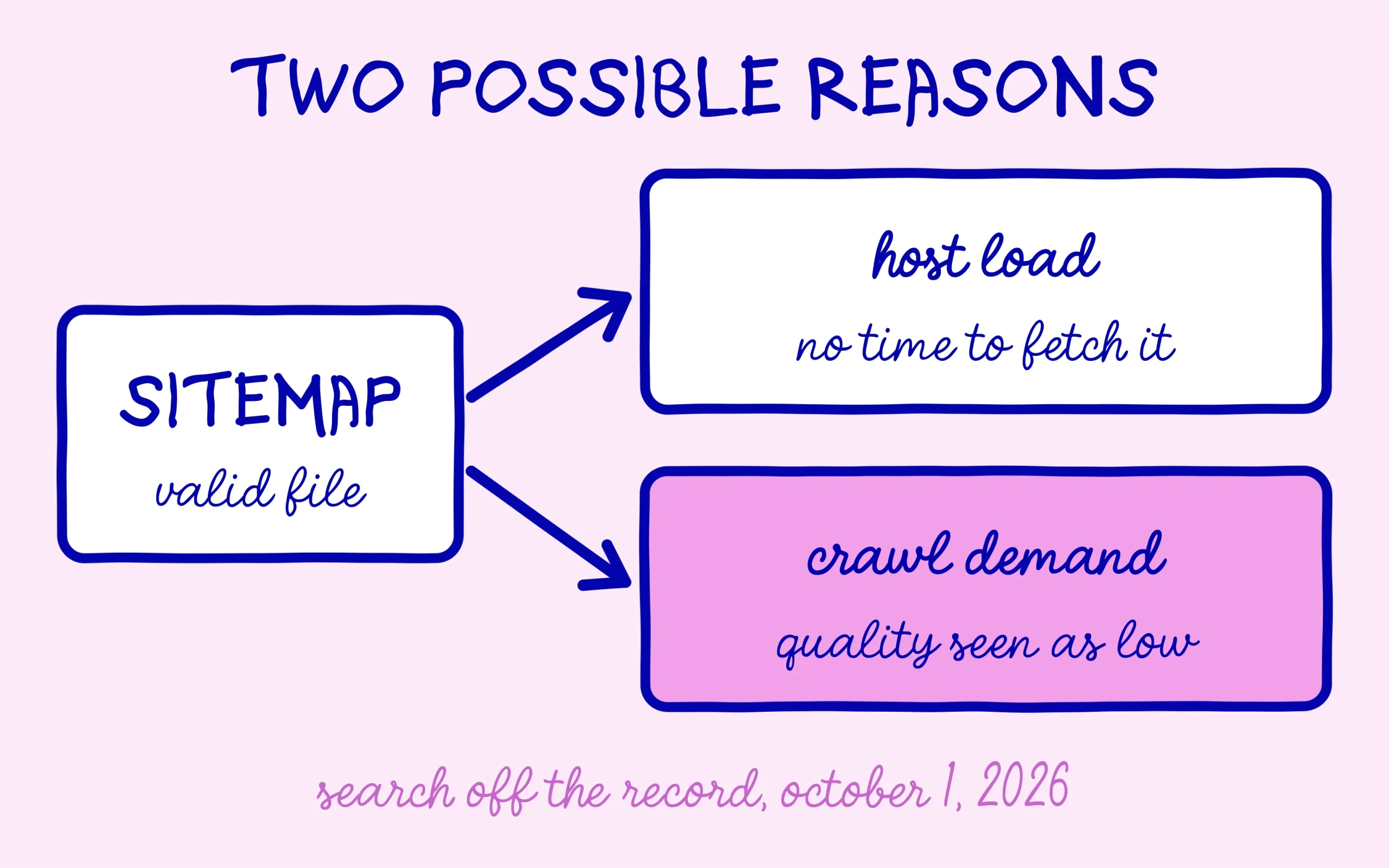
Martin Splitt raised the question himself in the “Do sitemaps still matter?” episode of Search Off the Record. He described the exact case that fills help forums: a sitemap that is valid, publicly reachable and linked from robots.txt, with Search Console still showing Couldn’t Fetch. John Mueller said Google sees this “a lot” in the forums, and that it mostly comes down to two reasons.
The first is host load. Google caps how much it crawls from each website, and sometimes its systems simply had no time left to grab the sitemap because they were busy with other things. Search Console then shows the same Couldn’t Fetch label it would show for a real access problem.
The second reason is harder to swallow. Mueller talked about crawl demand, which is how much Google actually wants to crawl a site. When its systems decide they already have enough from a website, they skip the sitemap file. And crawl demand, he said, is very often based on the perceived quality of the site. A Couldn’t Fetch status can be Google’s quiet verdict on your content.
Mueller left the door open: if the quality of the site improves significantly over time, Google will go back and use that sitemap. Google’s help page on the Search Console Sitemaps report lists the classic technical causes on its side, such as a robots.txt block, a 404 error, a manual action or an unavailable server. Both readings fit together, and a sound diagnosis starts by ruling out the technical ones.
When the message is really about quality
Faced with Couldn’t Fetch, most beginners assume the file is broken, regenerate it, resubmit it, and do it all again the next day. When crawl demand is the cause, none of that changes anything. The file was fine all along, and resubmitting it gives Google no extra reason to visit.
It is the same logic covered in the piece on why a sitemap will not bring Google back more often. A sitemap tells Google where your pages are, while the number of visits your site gets is decided somewhere else. That pace depends on what Google thinks of the content, and that is where the real lever sits.
The episode also clears up a few points about the file itself. Google dropped the priority and change frequency fields years ago, since everyone set them to the maximum. It still reads the last modified date, as long as the dates look believable: a site that stamps today’s date on every URL pushes Google to rely on the URLs alone. The limits remain 50,000 URLs and 50 MB uncompressed per file.
Mueller also pointed to a role people tend to forget: helping Google pick the right version of a page. When several addresses show very similar content, the one listed in the sitemap is a little more likely to be chosen as the main version. That is a good reason to list only clean, final URLs, without tracking parameters or dates added to the address.
Does a small site even need one? Mueller admitted Google can crawl a site of a few pages without it. He still recommends leaving it on, since most content management systems create one by default and it does no harm, even on a site that stays small forever. On WordPress, the tutorial showing how to set up an XML sitemap in five minutes still applies as written.
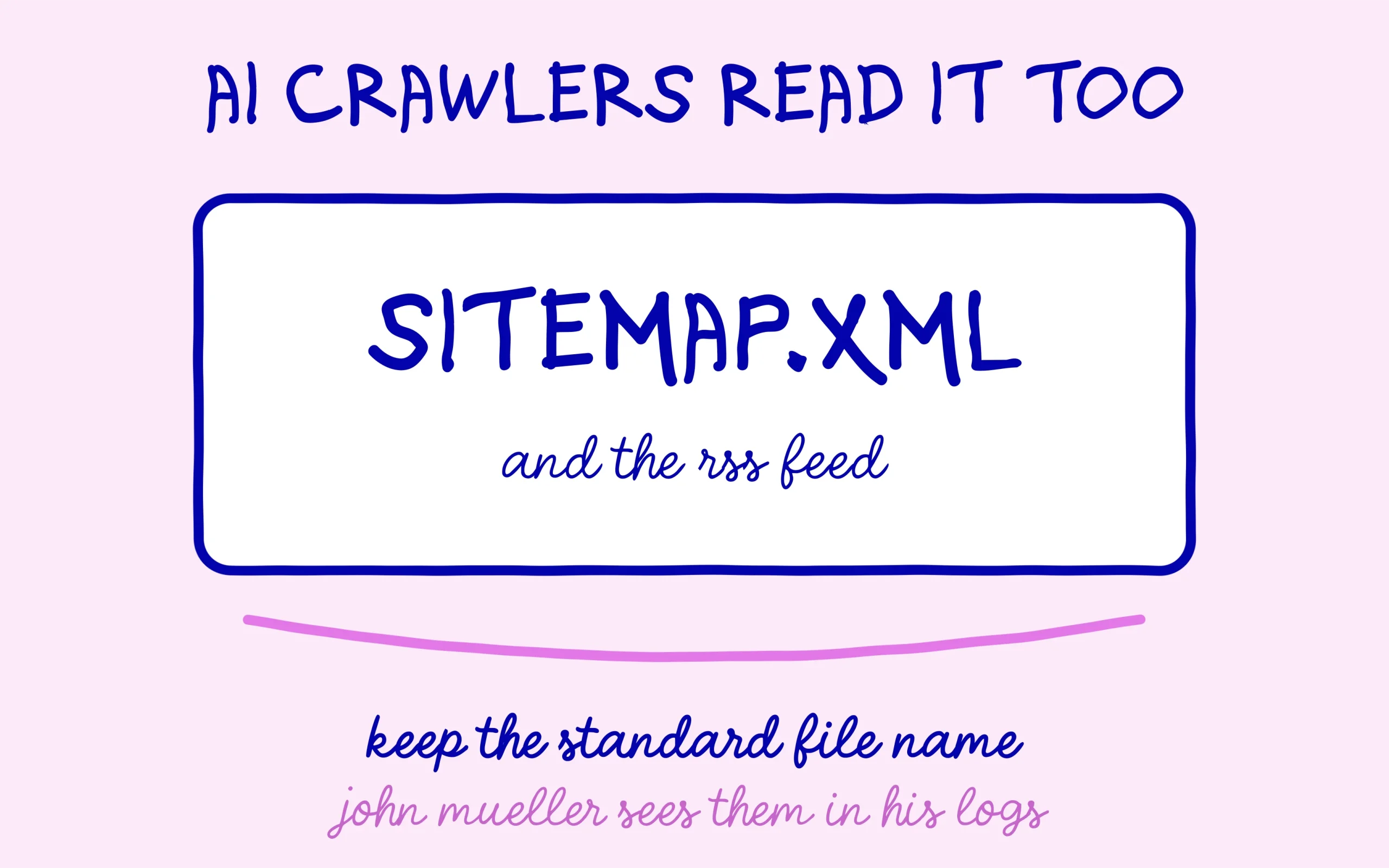
One passage speaks directly to AI visibility. Mueller said he has seen AI crawlers read his sitemap file and his RSS feed in his own server logs. Those crawlers have no console where you can submit a file, so his advice is to keep the default name, sitemap.xml, or to lean on the RSS feed most sites already publish. A sitemap renamed to something unusual stays out of their reach.
Discover the SEO Noobies agency
The checks to run before touching the file
Start with the technical check, because it only takes a few minutes. Opening the sitemap address in a private browser window confirms it loads without a login. Then make sure robots.txt does not block it, and that the address submitted in Search Console matches your site exactly, with or without “www”, over https. If one of those steps fails, you have found the cause.
Next, look at the pages rather than the file. The page indexing report and the URL Inspection tool show whether your pages make it into the index despite Couldn’t Fetch. If they do, Google is finding them through other paths, internal links in particular, and the error has little practical impact. The guide on how to check indexing in Google Search Console walks through each step.
Finally, if everything is technically clean and a lot of pages stay out of the index, quality becomes the most likely explanation. The work then moves to the content: merge pages that are too thin, strengthen the ones that answer their question poorly, and remove or noindex whatever gives readers nothing. The sitemap becomes useful again once Google wants to come back.
There is no reason to remove the file while that work is under way. Keep it submitted, keep publishing on a steady rhythm, and come back to the Sitemaps report every two or three weeks. A status that switches to “Success” without anyone touching the file is often the first sign that Google has started to see the site differently.
Keep learning on SEO Noobies.