
Your AI traffic may already be hiding in your Google Analytics report, behind sessions labeled “Direct” that no campaign or link can explain. Some of that traffic actually comes from ChatGPT, Gemini, or another AI assistant that recommended your site to someone, and until recently Google Analytics had no idea where to file it. Good news for anyone who has never touched a regex filter: Google just added a dedicated channel that sorts this out on its own. Here is where to find it in your reports, what it actually catches, and what still slips through.
TL;DR
Since May 13, 2026, Google Analytics automatically sorts a portion of your AI traffic into a dedicated channel named “AI Assistant.”
Google lists ChatGPT, Gemini, Deepseek, Copilot, and Grok among recognized sources, and excludes its own AI Overviews, which stay under Organic Search.
Detection relies only on the referrer header, which still leaves part of this AI traffic sitting in Direct or in Unassigned.
The useful move today: open the traffic acquisition report and filter by default channel group to see if the line already shows up.
Get an AI summary of this article
Why your AI traffic was hiding in Direct until now
Google Analytics builds its channels from two pieces of information: the source and medium of a visit, read from the referrer header sent by the browser. A click from a Google link lands in Organic Search, a click from an email campaign lands in Email. The browsers built into AI assistant apps often strip that information out, and until now Google Analytics had no box ready for this exact case. The result: all of this AI traffic landed in Direct, the default bucket for anything without an identifiable referrer. Hypothesis, not verifiable from the report alone: a site whose “Direct” sales climb with no active campaign may well be getting visitors sent by an assistant that named it before the person clicked from the mobile app.
For a beginner, that mix-up has a very real consequence: no way to tell whether a ChatGPT recommendation is actually driving visitors, since the Direct line also absorbs bookmarks, typed-in URLs, and clicks from a private messaging app. Hard to justify time spent on checking your AI citations without at least some traffic numbers to back it up.
Before this fix, the only workaround was building a custom channel group by hand, with a regular expression listing the domains of the main assistants. Doable once you already know your way around Google Analytics, but well out of reach for a beginner just discovering the tool, and something that had to be redone on every single property.
Google Analytics’ new AI Assistant channel
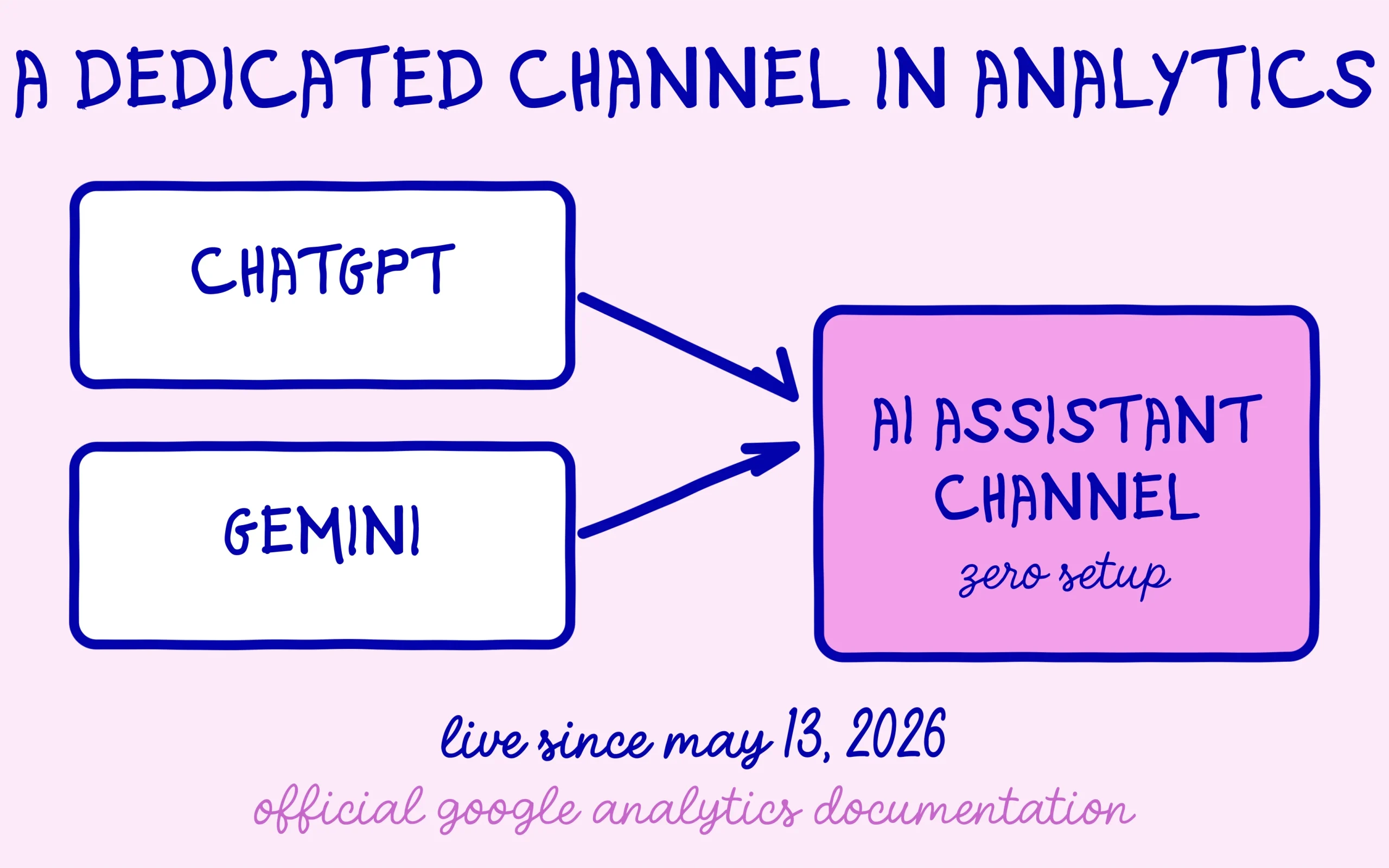
Google’s own Analytics documentation now describes a channel named “AI Assistant”, defined as the one through which users arrive at a site from sources like ChatGPT, Gemini, Deepseek, Copilot, or Grok. The underlying rule is simple: whenever a visit’s medium exactly matches “ai-assistant,” Google Analytics files the session under this channel, with the campaign dimension getting the reserved label “(ai-assistant).”
One detail surprises most people on first read: Google’s own AI Overviews and AI Mode, arguably the most visible AI surfaces for most sites, are explicitly excluded. Google files those under Organic Search, same as any classic result. The AI Assistant channel therefore covers only outside conversational assistants, leaving the AI layer sitting directly on top of Google Search filed under classic Organic Search instead.
Where to actually read this new channel
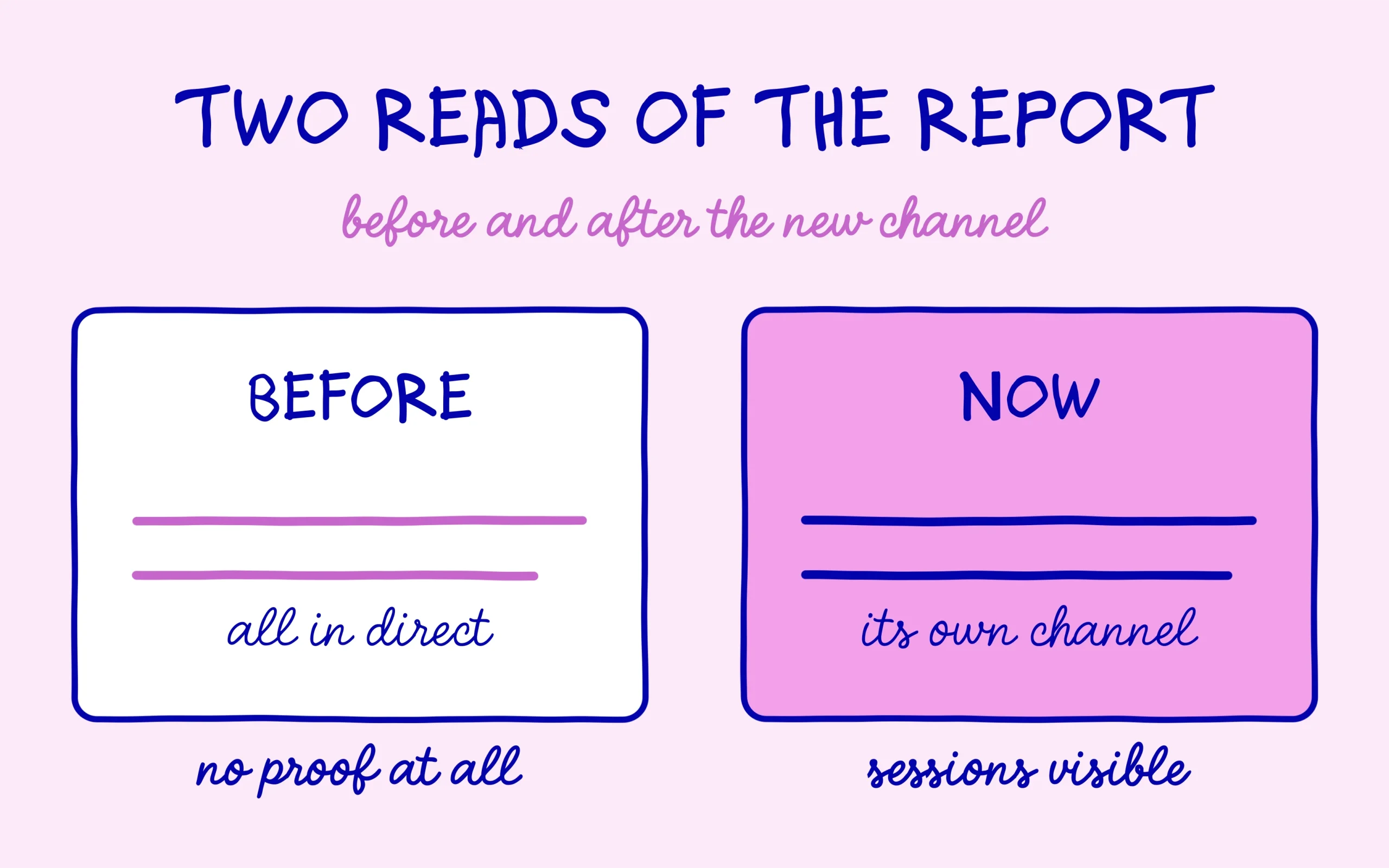
This channel shows up with zero setup required, right next to Organic Search, Direct, or Organic Social. In the Reports menu, open Acquisition, then Traffic acquisition: the table is organized by session default channel group out of the box. If an “AI Assistant” row already exists for your site, it sits at the same level as every other channel, with its own sessions, its own engagement rate, and its own key events.
Set the date range in the top right corner of the report before drawing any conclusion. Over the last seven days, a small site may show no “AI Assistant” row at all simply because no such visit happened. Switching to 28 or 90 days gives a more useful base, and the row appears as soon as at least one session has been filed under this channel over the chosen period. If it is still missing over 90 days, there are two possible reads: no recognized assistant is sending you visitors yet, or those visits are being filed elsewhere, the case covered in the next section.
The same read works on the User acquisition report, which sorts visitors by the channel of their very first visit rather than the current session. Both reports are worth comparing: AI traffic that barely registers in user acquisition but shows up heavily in session acquisition points to visitors who keep coming back through an assistant, which is a good sign.
That table also shows average engagement time and key events per channel. Comparing those columns row by row gives a first read on the quality of your AI traffic against other sources, on top of raw session volume, without assuming the outcome in advance.
Before comparing this figure to Google Search Console, which measures an entirely different kind of traffic, the guide on when to open Search Console or Analytics keeps the two tools from getting mixed up, since each one answers a different question about your site.
What this channel still misses
Consultant Itamar Blauer documented an important limitation of the AI Assistant channel in an article published on Search Engine Journal: sessions from the same assistant end up scattered across three different channels. Some land correctly in AI Assistant, others in Referral (when the referrer existed before the native channel launched), and a third batch in Unassigned, notably from the in-app browsers on mobile apps that still strip the referrer header.
This scattering makes month-to-month reading misleading for anyone just glancing at the AI Assistant line. An apparent drop in AI traffic can simply mean more sessions fell into Unassigned that month, without a single real visit actually going down. The number shown by the native channel should be read as a floor, never as the exact total.
Another blind spot flagged by Itamar Blauer: Perplexity does not appear among the examples Google cites, and Google has published no complete list of recognized assistants. If Perplexity sends you visitors, check in the report where those sessions actually land before drawing conclusions.
Discover the SEO Noobies agency
A fuller picture with a custom channel
For a site that wants a more accurate read on its AI traffic, Itamar Blauer suggests building a custom channel group that matches on source only, ignoring the medium entirely. That single rule folds the three scattered variants (AI Assistant, Referral, Unassigned) back into one coherent channel, and can include domains Google still leaves out, like perplexity.ai.
The setup lives under Admin, in the Data display section, then Channel groups, where a new source-matching channel needs to sit above Referral and above Organic Search in the evaluation order. A custom channel placed in the wrong spot simply gets ignored, because Google Analytics applies the first matching rule and stops right there.
Concretely, the rule matches the source field against a regular expression grouping the known domains of the main assistants, chatgpt.com, perplexity.ai, or gemini.google.com at the top of the list. The matching works on partial strings, so there is no need to list every subdomain: the main domain name alone catches most of each assistant’s traffic. Keeping that list updated from time to time stays worthwhile too, as new assistants start sending traffic.
One added benefit of this method: it also recovers history from before the native channel launched, something “AI Assistant” obviously cannot see retroactively. For a site that has been publishing for months already, this is often the only way to measure a real AI traffic trend instead of a single snapshot dated May 13, 2026.
For a site just starting out, there is no need to jump straight into building a custom channel. The most useful habit at first is simply opening the native AI Assistant channel once a week, noting the session count, and watching whether this AI traffic is trending up from one week to the next. The finer setup described above becomes worth the effort the day that number is large enough to justify the time spent building the rule, and not before. Either way, the first habit worth building is simply checking this number on a fixed schedule, since a single glance tells you almost nothing about a trend.
Keep learning on SEO Noobies.