
Learning to check indexing on your site is the first concrete move to master when you are starting out, before you even think about keywords or backlinks. As long as a page is not in Google’s index, it cannot appear in any result, so you may as well make sure yours actually are. This tutorial walks you through it step by step, with Google’s free tools, and no technical skill required. By the end, you will know how to check the status of any page and ask Google to take another look when it needs to.
TL;DR
The site:yourdomain.com command typed into Google gives you a rough count of your indexed pages in ten seconds.
For a reliable answer page by page, the URL inspection tool in Google Search Console is the only one that counts, and it is free.
The “Page indexing” report shows you at a glance what is indexed, what is not, and for which reason.
When a page is ready, you can ask Google to index it and submit your sitemap to speed up the process.
Summarize This Article with AI
ChatGPTContents
The quick check with the site: command
Inspect a specific page in Search Console
The quick check with the site: command
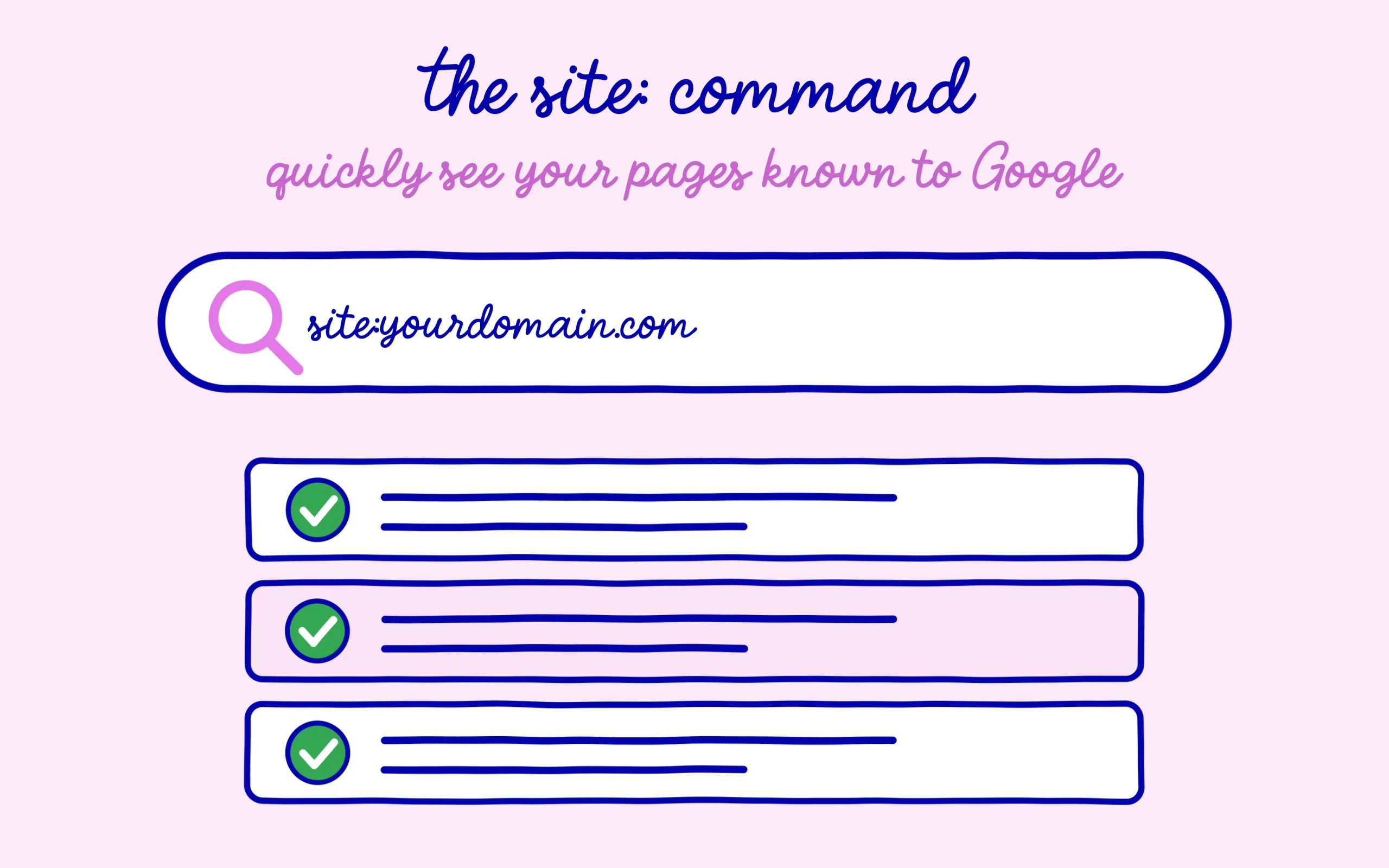
The fastest test needs no tool at all. Open Google and type site:yourdomain.com, swapping in your real domain name, with no space after the colon. Google then shows you the list of pages from your site that it knows about, with an estimated number of results at the top. If you see your main pages showing up, that is a good sign, they are in the index.
Keep in mind that this number is an estimate, not an exact truth. It gives you a useful order of magnitude: a thirty-page site that shows only three with the site: command clearly has an indexing problem somewhere. But to know precisely where a given page stands, you need the serious tool, the one Google gives you for free.
Inspect a specific page in Search Console
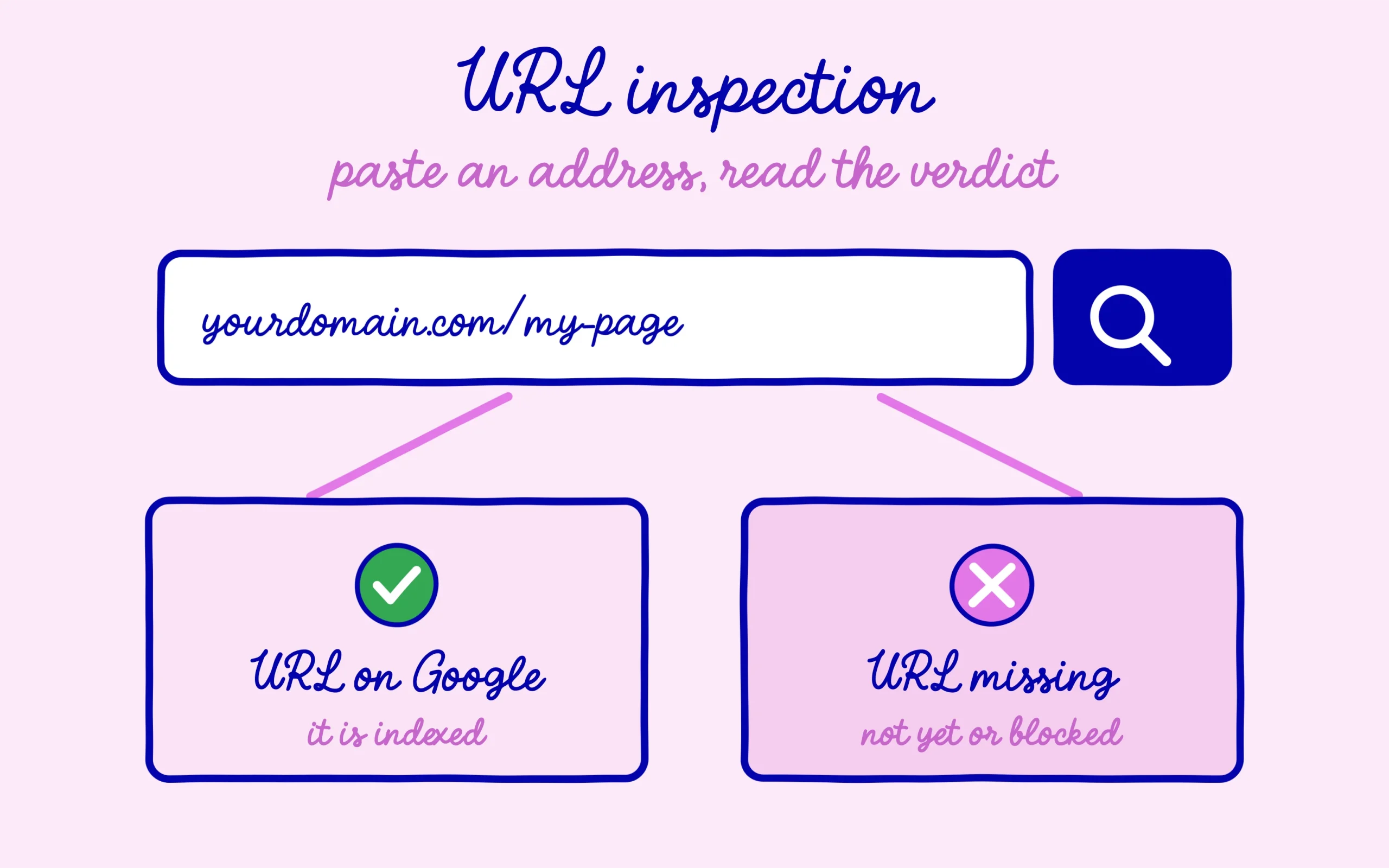
Google Search Console is the official, free tool that connects you directly to Google. Once your site is added and verified, you get access to the URL inspection bar at the very top of the interface. You paste the full address of the page to test, you hit enter, and Google queries its index live for that exact URL.
After a few seconds, you get a clear verdict. Either “URL is on Google”, and your page is indexed. Or “URL is not on Google”, and Google tells you right below whether it is simply a waiting state or a real block. That is exactly the reading we broke down in the course chapter on indexing and why Google refuses pages, except here we are in the concrete, page by page.
Get into the habit of inspecting your important pages one by one: the homepage, your sales pages, your key articles. In a few minutes you spot the one that is missing, instead of wondering for weeks why it brings in no visitors.

Read the page indexing report
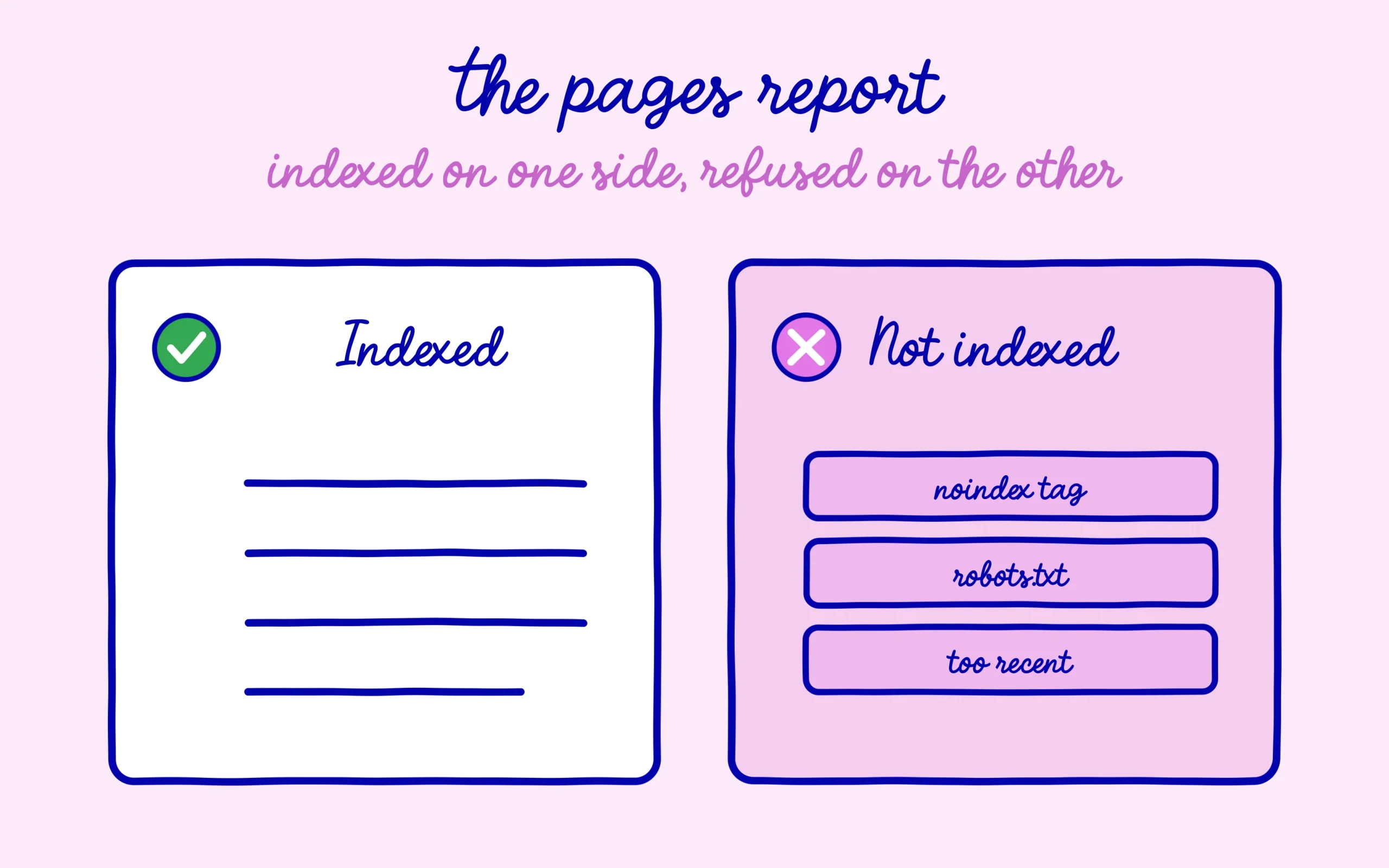
Inspecting a URL is perfect for a single page. To get the full picture of your whole site, open the left menu of Search Console and click “Indexing”, then “Pages”. This report splits your URLs into two camps: indexed pages, and non-indexed pages, with the precise reason for each one on the non-indexed side.
This is where you see reasons like “Excluded by noindex tag”, “Blocked by robots.txt” or “Discovered, currently not indexed”. Each one points to a different cause, and some are more urgent than others. A robots.txt block, for instance, is worth a check, because blocking in robots.txt does not do the same job as a noindex tag and the two are easily confused.
Stay calm in front of this report. Not every line in the “not indexed” camp is a problem: a legal page or a pointless tag that is not indexed is often normal. Google itself acknowledges that most of the statuses surfaced in Search Console matter less than people think. Focus on your pages that count and that should be indexed but are not.
Ask Google to index a page
When you have just published a page, or just fixed the cause of a block, you do not have to wait for Google to come back on its own. Go back into URL inspection, paste the page address, and click the “Request indexing” button. Google puts the page into a priority queue to re-examine it.
Do not get carried away with this button, though. Requesting once per page is plenty, spamming it does not make Google come faster and improves nothing. Expect anywhere from a few hours to a few days before the page is actually processed. This button is there to give a nudge to a specific page, not to force the indexing of an entire site at once.
Submit your sitemap to help Google
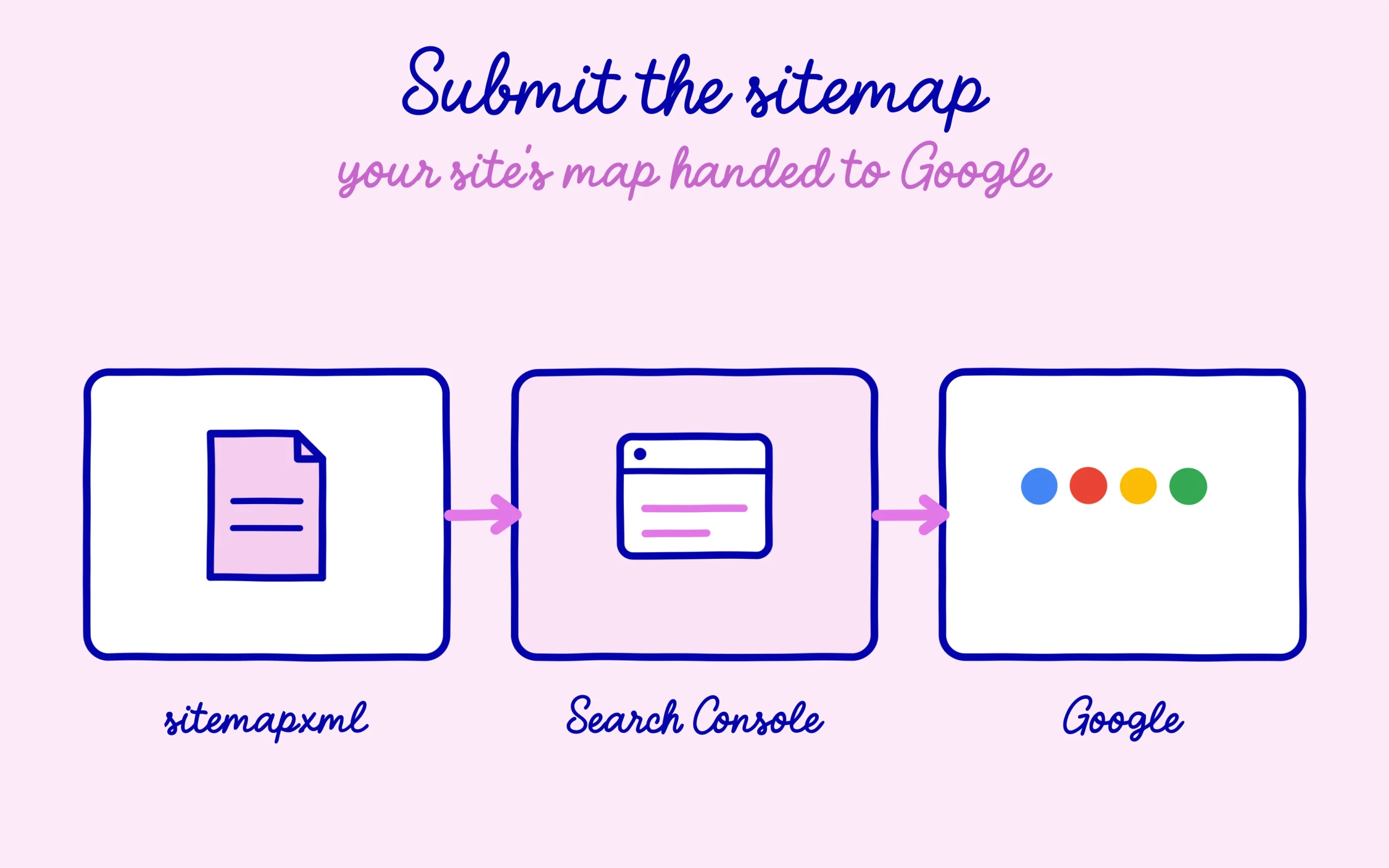
The sitemap is the map of your site, a simple file that lists all your URLs so Google finds them more easily. Most SEO plugins like RankMath generate it automatically, at an address like yourdomain.com/sitemap_index.xml. Your job is just to declare it to Google once.
In Search Console, open the “Indexing” menu then “Sitemaps”, paste your sitemap address into the field provided, and submit. Google reads it and comes back regularly to check it for your new pages. It is a one-time move at the launch of the site, and one to redo only if your sitemap address changes. It does not guarantee indexing, but it helps Google miss none of your pages.
The habit to keep going forward
You now have the full toolkit: the site: command for a quick glance, URL inspection for a reliable page-by-page answer, the pages report for the big picture, and the buttons to request indexing and submit your sitemap. None of it is technical, and all of it is free.
The good habit is to check the indexing of every important new page a few days after you publish it, rather than discovering the problem months later while wondering why it gets no traffic. Five minutes in Search Console beats weeks of guessing. Keep learning on SEO Noobies.




[…] is to open the report and read the exact label before doing anything else. Our walkthrough on how to check indexing in Google Search Console covers the clicks if you have never opened that screen. And to understand what Google weighs before […]
[…] before seeing it. First brick, indexing: make sure your pages are actually counted, which you can check for free in Search Console in a few minutes. A non-indexed page is invisible, no matter how good it is, and it is often the first traffic leak […]