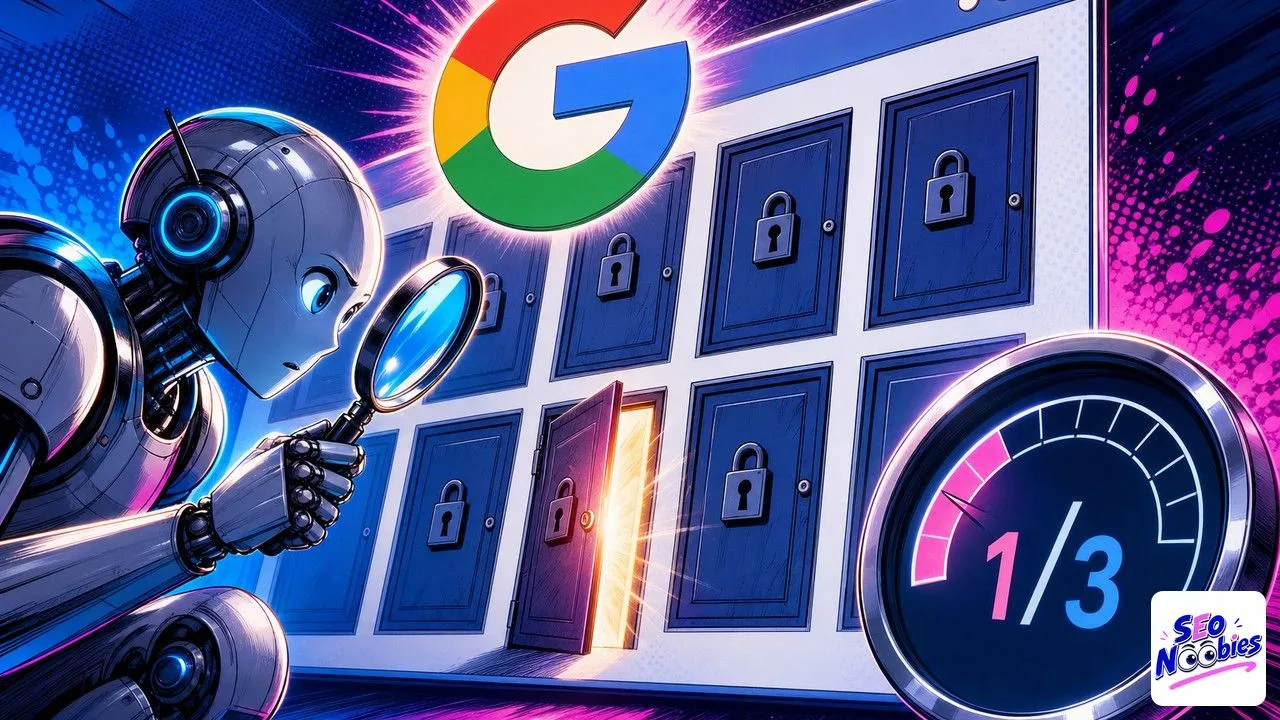
If you have run a PageSpeed Insights test in the past few weeks, you may have spotted an unusual tab called agentic browsing, with a small fraction score like 1/3 instead of the usual mark out of 100. It is new, it comes from Google, and it looks like none of the indicators we are used to checking. After a year spent tracking how AI engines pick their sources on my own sites, I find it worth understanding, but I already see a fair amount of needless panic around that little red badge. Here is what the score really measures, why it is still very experimental, and what you can actually do with it when you are just starting out.
TL;DR
Google has added an agentic browsing category inside PageSpeed Insights that checks whether your page is readable and usable by an autonomous AI agent.
The score shows as a fraction (for example 1/3) rather than out of 100, and Google itself says the category is still under development.
It is not a ranking factor, so a red badge today does not hurt your SEO or your presence in Google.
The useful fixes (clear link text, a stable layout, a summary file for AI models) also improve accessibility for humans, so that is where to start.
Summarize This Article with AI
ChatGPTWhat PageSpeed means by agentic browsing
Agentic browsing is a category that landed in Lighthouse, the engine behind PageSpeed Insights, around May 7, 2026 with version 13.3. It now sits next to the categories you already know, Performance, Accessibility, Best Practices and SEO. The thinking behind it is easy to state: more and more AI assistants are starting to browse the web on your behalf, to compare products, fill in a form or grab a piece of information, and Google wants to measure how well a page lets these autonomous agents read and act on it, rather than a human. The full list of checks is laid out in the official Chrome documentation on the agentic browsing score.
The first surprise is that the score does not read like the others. There is no coloured mark from 0 to 100 here, but a fraction, something like 1/3 or 3/4, telling you how many checks your page passes out of the total that apply. A small red triangle often sits next to the number at first, and that is normal: most sites fail at least one box because these boxes are all brand new. The exact number can also vary depending on which checks apply to your page, so do not try to compare it from one site to another the way you would with a performance score.
Here is the point I want to make right away, because it is the one that reassures beginners most: Google states in plain terms that this category is still under development and may change. In other words, it is experimental. It does not feed into the criteria that decide your position in search results, and a low score today costs you no visibility at all. You can treat it as a preview of where the web is heading, without turning it into an emergency.
The four checks behind that small score
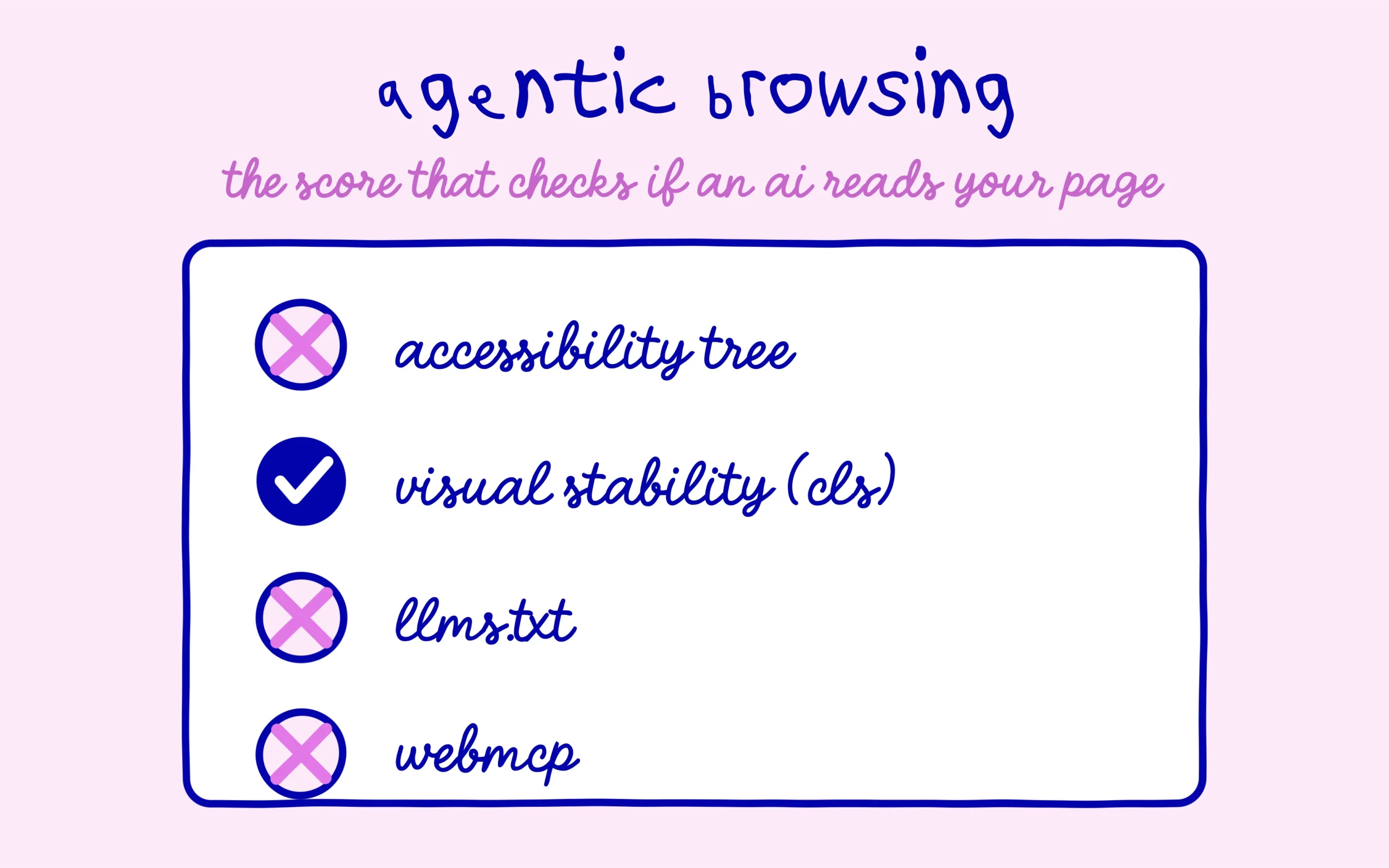
In practice, the score rests on four controls. The first looks at your page’s accessibility tree, the structured version that machines read: every button and every link needs an understandable name and a correct role. The second measures visual stability, the well-known cls metric, because an agent that takes screenshots to find its way gets lost if your blocks jump around while the page loads. The third checks for the presence of a llms.txt file at the root of your domain. The fourth, called webmcp, tests a technical integration that exposes your forms and actions to agents.
The llms.txt file deserves a word, because it is being sold nearly everywhere as the new magic box. It is a plain text file, placed at the root of the site, that summarises your content for AI models. Adding it costs very little and ticks a box here. Just keep a cool head about its real impact, because an Ahrefs study across 137,000 sites found this file is very rarely read by AI. Turning it green in PageSpeed does not make it a visibility lever, it stays a tidy housekeeping habit and nothing more for now.
Webmcp, for its part, is not a topic for a beginner. It requires a very recent version of the Chrome browser and enrolment in a test programme that is still closed. Let me be honest with you, this box will stay red for almost every small site, and that is completely fine. Nobody is going to hold it against you for not deploying a technology that only exists in a lab. Focus on the first two checks, which are within reach and which serve more than just this badge.
Why a red badge is nothing to worry about
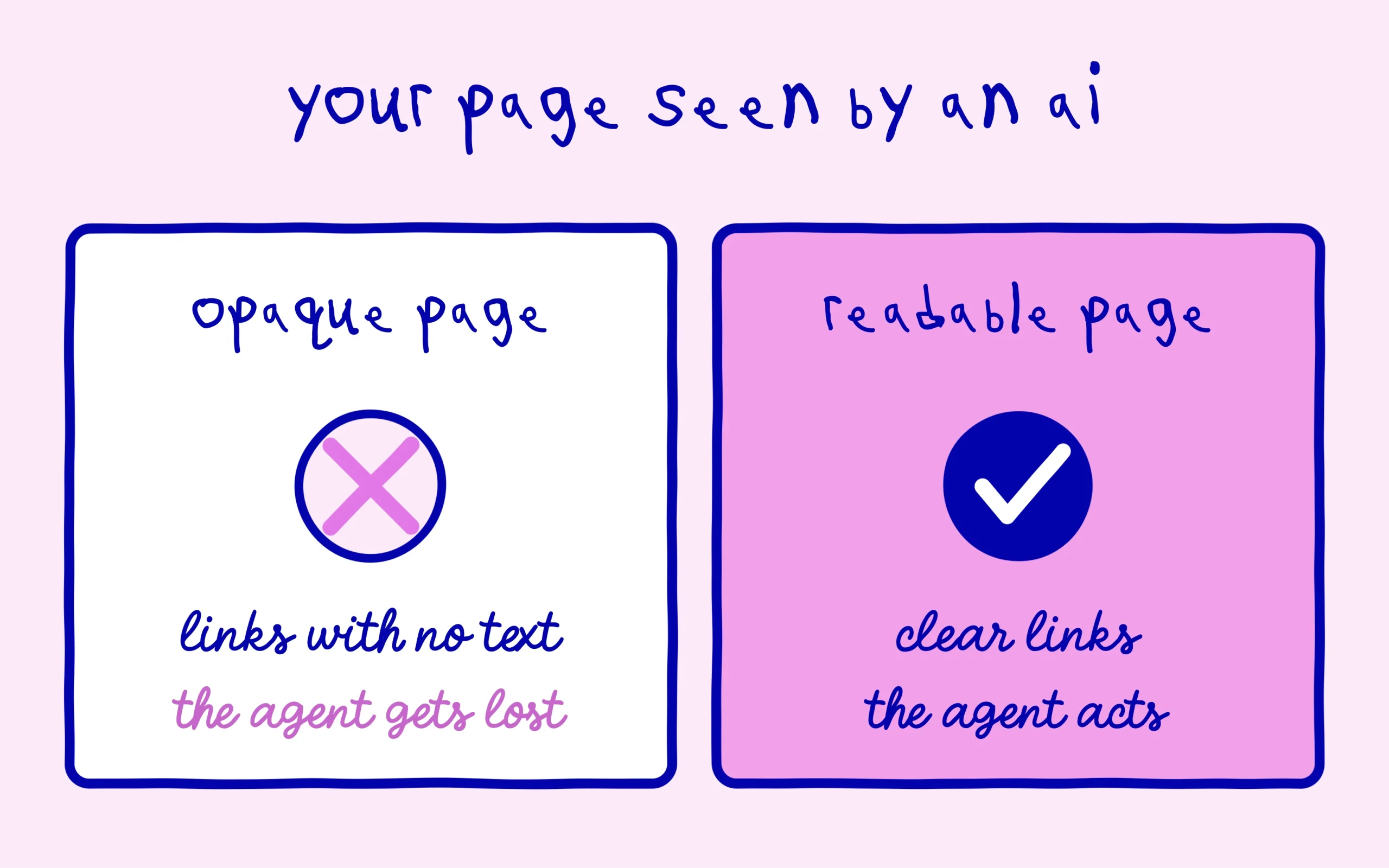
Take a very telling example from a real test. On a page showing 1/3, the failing check was the accessibility tree, with a precise message: links must have discernible text. The culprit? An embedded YouTube video thumbnail whose link carried no readable text, just a background image. An AI agent landed on that link with no idea where it led. This kind of flaw goes completely unnoticed by the human eye but stops a machine trying to make sense of the page. It is exactly the type of small oversight this score brings to light.
What is interesting is that fixing this flaw does not only help AI agents. A link with no descriptive text is also a problem for someone using a screen reader, and for Google, which has always liked explicit links. So you improve three things at once by sorting it out. You find the same logic across the rest of AI search: what an AI truly reads on your page looks a lot like what a human sees on screen, not hidden code. A page that is clear for a human is almost always a page that is clear for an agent.
My read, honestly, is that this category is an early signal. Google is preparing the ground for a web where agents click and read in our place, and it is starting to hand webmasters the rules. Will it become a criterion that really counts in twelve or eighteen months? Maybe, I have no certainty about the timing. But pouring all your energy into it today, while the category still shifts from week to week, would be premature when you are just starting out.
What you can improve right now
Start with the highest payoff: give readable text to your links and buttons. A video thumbnail, a clickable icon, an image-shaped button should carry a label or an alt attribute that says where it leads. That is five minutes of work on most themes, and it clears the accessibility check that weighs most in the score. If you use a widget that inserts videos or galleries, check those elements first, they are the ones that fail most often.
Next, tackle the stability of your layout. Give fixed dimensions to your images so they do not push the text around while loading, and watch the blocks that appear late, like certain banners or boxes. It is the same cls metric you already see in the Performance report, so you kill two birds with one stone. A well configured cache and image optimisation plugin does a good chunk of the work for you on a WordPress site.
To check your own score, nothing complicated. Head to pagespeed.web.dev, enter the address of one of your pages, run the analysis, then scroll down to the agentic browsing panel below the usual categories. You will see the fraction, the failing checks and, above all, the exact element that trips it up, often a poorly labelled image or link. That is the best starting point: fix what the tool points at, one line at a time, rather than chasing a perfect score all at once.
For the llms.txt file, add it if you want to tick the box, but do not expect a miracle and do not spend your Sunday on it. As for webmcp, leave it aside without guilt while you are learning. If you want to place this new tab in the wider picture of what is changing on the AI side, our guide to AI Overviews and what they change for your site gives you the context. See agentic browsing for what it is today: a good sign of technical tidiness, not yet a traffic issue.
Keep learning on SEO Noobies.



[…] a limited budget per site, and slow pages burn through it faster. We went through that mechanism in the PageSpeed score built for agentic browsing, where speed stops being a nicety and starts acting as a condition of […]