
Search Console errors trigger the same reaction in almost everyone opening the tool for the first time. They see a red number in the indexing report and assume something is broken on their site. John Mueller and Martin Splitt have just gone back over that reflex to explain that the majority of those reports describe nothing wrong at all. Their argument is that the tool exists to surface unusual patterns, not to hand out a list of fixes. And to be fair, the confusion makes sense once you look at the interface, which Google openly admits. Here is what was actually said, and how to read those reports without inventing work for yourself.
TL;DR
John Mueller and Martin Splitt describe Search Console as a monitoring tool rather than a task list.
Pages listed as not indexed do not automatically point to a fault on your site.
A 404 response is expected server behaviour, reported as an error even though it is normal.
The useful read is spotting unusual shifts, such as a spike in redirects during a migration.
Summarize This Article with AI
ChatGPTHundreds of Non-Indexed Pages Rarely Mean a Broken Site
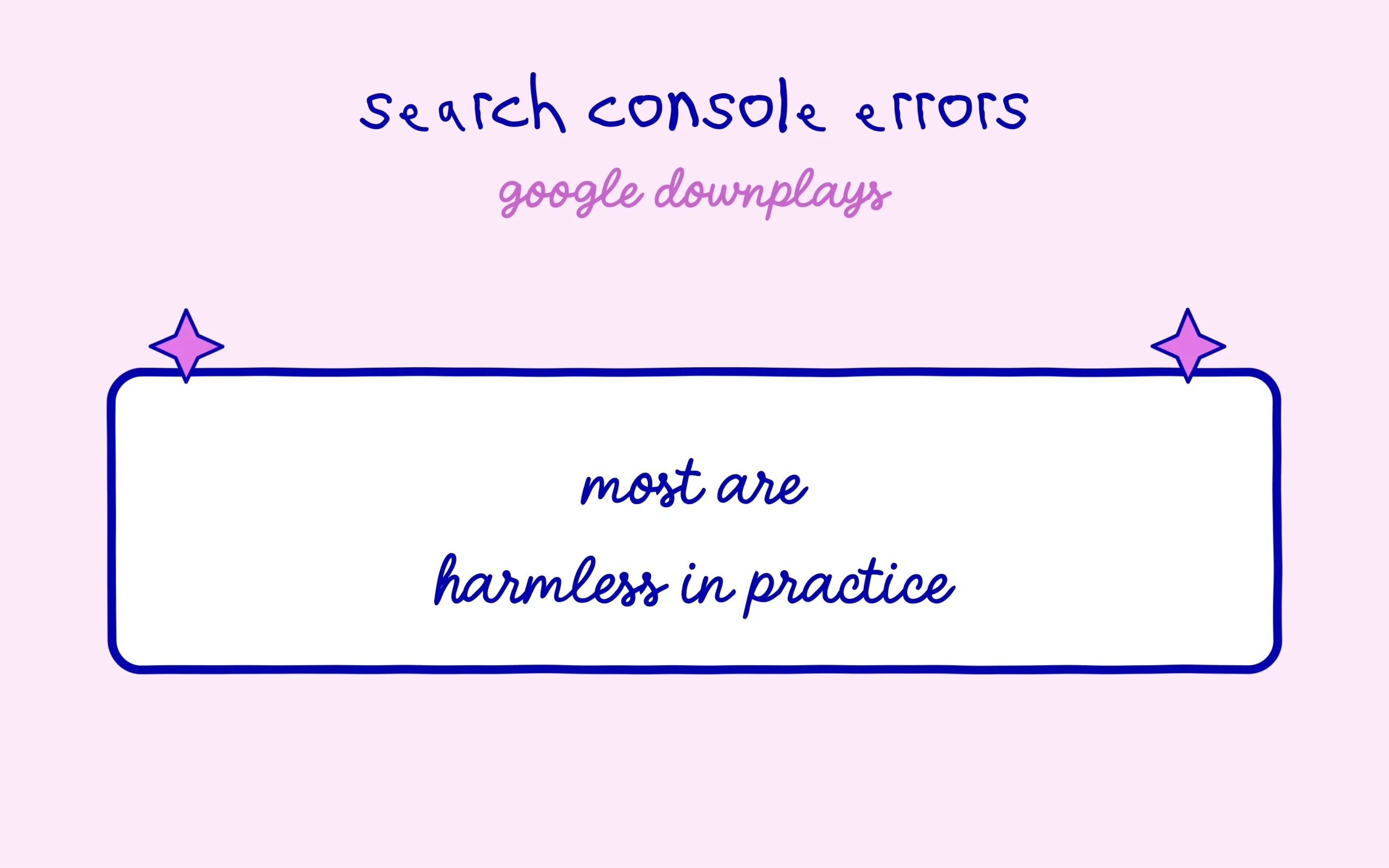
The conversation starts from a misunderstanding about Search Console errors that both spokespeople keep running into. Splitt sums it up with a familiar case: “someone’s like, well, there’s this page that I have and it’s indexed, but the search console report shows it’s not indexed.”
Mueller describes the same reaction at volume. A site owner opens the report and thinks “oh, there’s like hundreds of pages that are not indexed. This is an error, clearly on my side.” That conclusion is exactly the one Google is trying to defuse.
In practice, any mid-sized site throws off a huge number of URLs that Google deliberately chooses to leave out. Pagination, filters, product variants, tag archives, print versions. A non-indexed page is usually a sorting decision rather than a technical incident. The same logic sits underneath canonical re-evaluation taking up to two weeks, where the delay comes from Google weighing several versions of the same page against each other.
The signal worth watching sits elsewhere. A 200-page site reporting 3,000 non-indexed URLs has a URL generation problem somewhere. A 200-page site reporting 40 is almost certainly working as intended.
The report itself separates several statuses that carry very different meanings. A page excluded by a noindex tag was deliberately kept out by the site owner. A duplicate with a Google-selected canonical points to an arbitration between versions. A page discovered but not crawled means the bot knows the URL exists and has not judged it worth a visit yet.
Those three cases call for different responses, and two of them usually call for none at all. Collapsing them under a single error label is where most of the wasted work starts for anyone new to the tool.
A 404 Is Normal Behaviour That the Interface Calls an Error
The second source of confusion, probably the most common of all Search Console errors, involves missing pages. Both spokespeople stress that a 404 response reflects expected server behaviour rather than a site failure.
Splitt puts the paradox bluntly: “It’s actually a good thing. The problem is that…Search Console show[s] it as an error? Because it is an error. It’s just an expected one.” Technical vocabulary and interface vocabulary collide, and beginners inherit the ambiguity.

A site that deletes an old post should return a 404. That is the clean way of telling Google the resource is gone. Redirecting every removed page to the homepage generates soft 404s and muddies how the site is understood, which costs more than the original 404 ever did.
Splitt also points at Google’s own share of responsibility here. The “mark as fixed” button quietly implies that anything reported is waiting on action from the site owner. Reading the interface with that scepticism is a good habit to build early, in the same spirit as learning the game before you play it in 2026.
What to Watch in Your Reports Instead
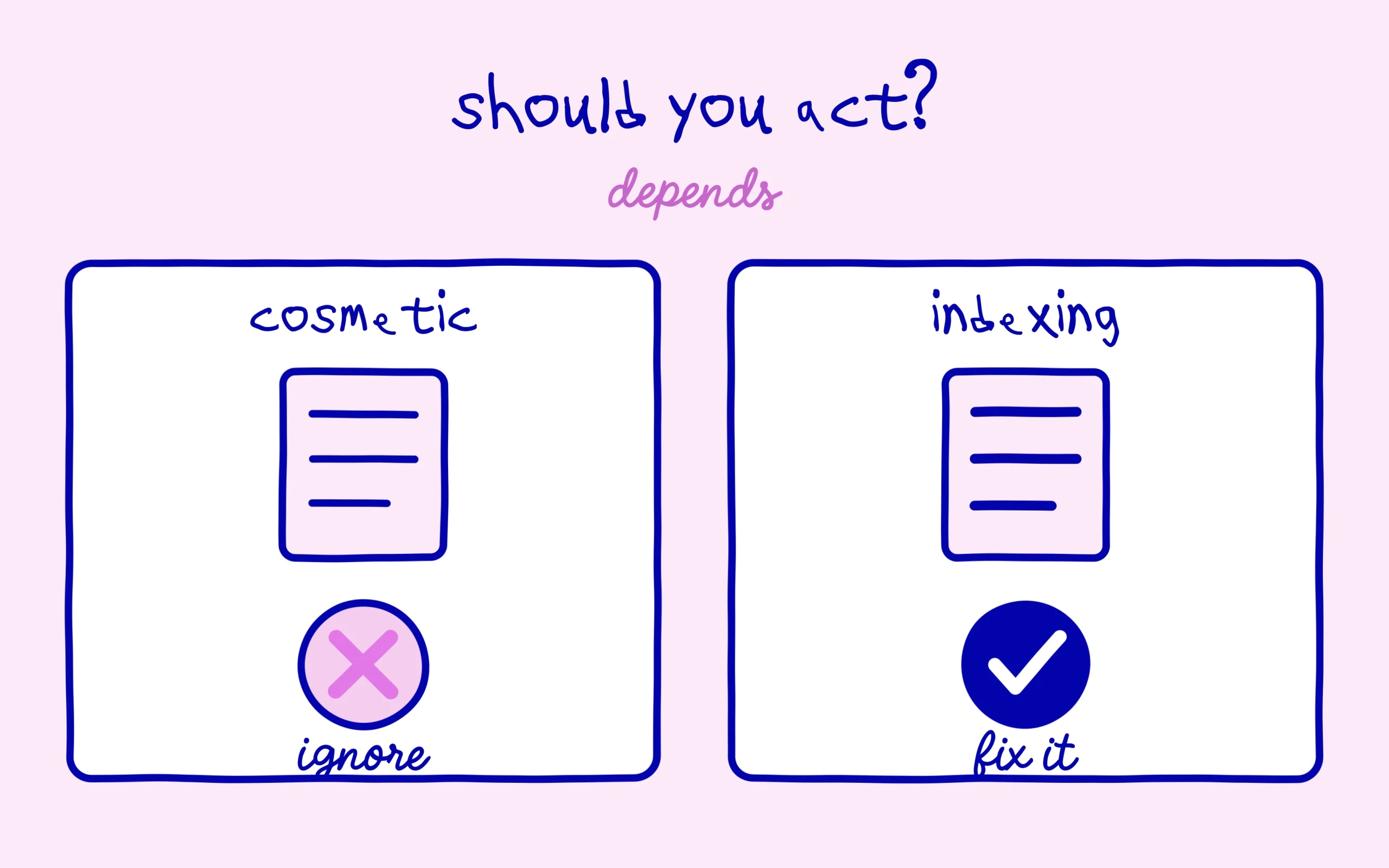
The recommendation that comes out of this is easy enough to apply. Search Console errors exist to expose unusual patterns, not to hand you a queue of tickets to close one by one.
The example given is a spike in redirects during a migration. That number tells a real story: a domain move or a URL restructure that did not land the way it was meant to. A sharp shift matters far more than a high but steady volume. That gap is the difference between reading a figure and acting on one.
Day to day, three habits cover most of it. Compare volumes week over week instead of staring at a single number. Check that the pages carrying the business actually appear among indexed pages. Ignore the categories that stay flat month after month.
That last habit saves the most time by a wide margin. An online shop permanently showing a few hundred non-indexed filter pages has nothing to fix as long as the curve holds steady. The week that number doubles, the question becomes worth asking.
One question this discussion only answers sideways: should you press the validation button when a category really has been handled? The implied answer is yes for an actual fix, say pages that were returning a server error and now respond properly, and no for a status that simply reflects a sorting decision on Google’s side.
The same discipline applies to how Google frames indexing advice more broadly, including the reasoning behind shutting down the AI-only site trend. Both cases come back to the same idea: Google reports what it observes, and the site owner decides what deserves a reaction.
One thing Google does not really resolve, though. As long as the interface uses the word error for behaviour that is entirely normal, every new site owner will hit the same wall. The vocabulary baked into the tool carries more weight than the explanations published alongside it.
Keep learning on SEO Noobies.