
A page not indexed but sitting in Search Console under “Discovered – currently not indexed” is one of the first frustrations a new site runs into. Google knows the address, it prints it in black and white in the report, and the page still never shows up in search results. Plenty of people conclude they broke something technical and spend hours hunting for a bad setting. In most cases nothing is broken at all. Here is what that status actually means, how to tell it apart from the near-identical one next to it, and what to do when it drags on for weeks.
TL;DR
“Discovered – currently not indexed” means Google has your page’s address but has not come and read it yet.
Google puts the delay down to the load a crawl would place on your server. There is no setting to repair straight away.
The neighbouring status, “Crawled – currently not indexed”, describes something else entirely: Google did read the page and passed on it.
On a young site the real lever is making the page reachable and plainly useful, not firing off repeated indexing requests.
Summarize This Article with AI
ChatGPTWhat a page not indexed but properly discovered really means
The Page Indexing report in Search Console files every address Google knows about into a category. When a page not indexed shows up under “Discovered – currently not indexed”, Google’s documentation is unambiguous: the page was found but has not been crawled yet, and the crawl was typically postponed because the site would have been overloaded. The wording sits in the Search Console help page covering the Page Indexing report.
Put plainly, Google is telling you the address is on its to-do list and it has not found the right moment to come round. It picked the URL up somewhere, from your sitemap, from a link elsewhere on your site, or from a link someone posted on another domain. Knowing an address and going to read what sits behind it are two different things, and there is a queue between them. A crawler working through the entire web spreads its visits according to what it reckons each site can take.
What matters at this stage is understanding that nothing is technically blocked in this status. A page shut out by a noindex tag or by robots.txt lands in other categories of the report, under labels that name the blocker outright. Here no barrier was ever raised, the visit was simply pushed back. On a recent site, watching a few dozen pages sit in this state for several weeks is ordinary, not an alarm.
Discovered or crawled, two statuses people mix up constantly
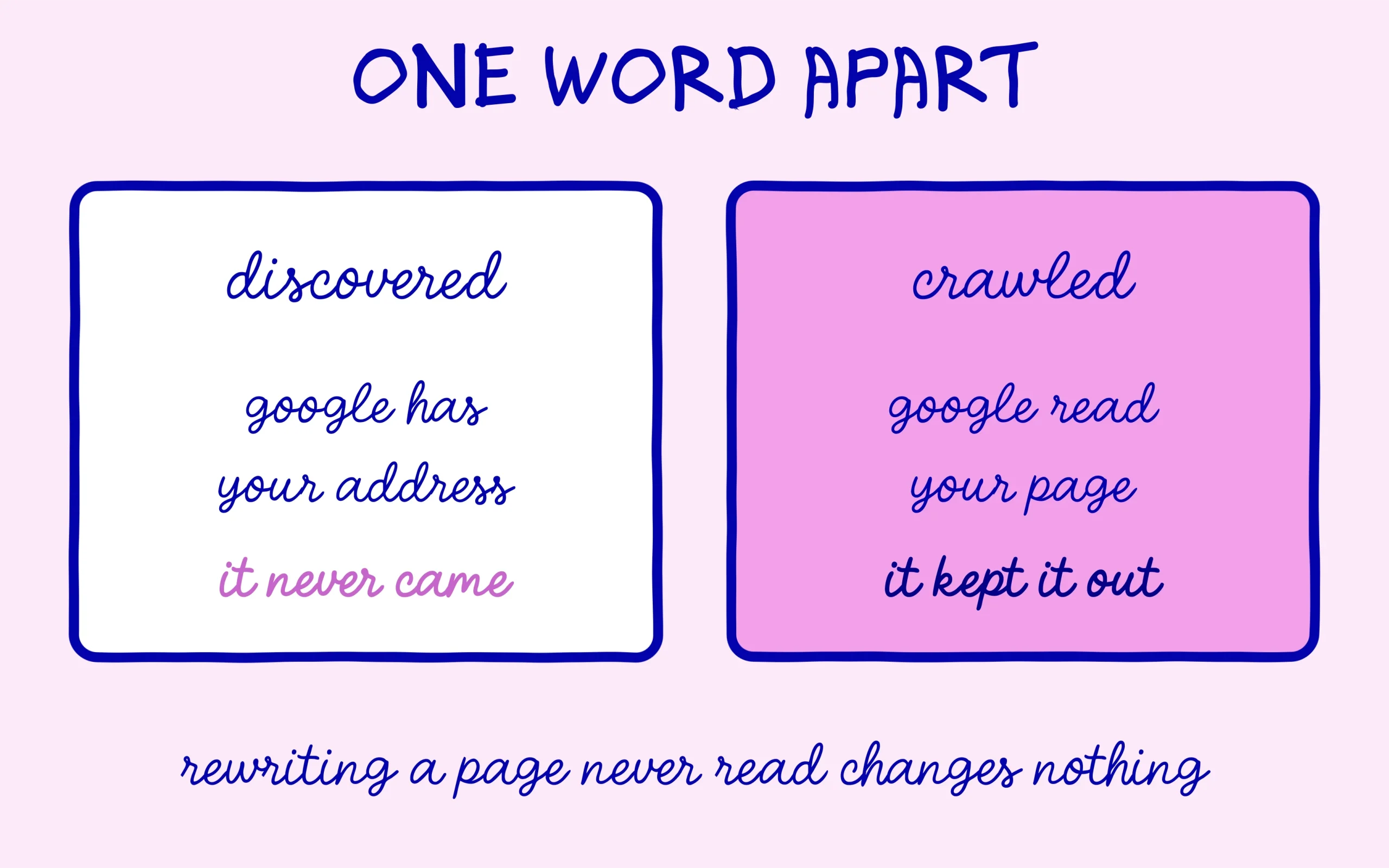
Sitting right beside it in the report is a label that reads almost the same: “Crawled – currently not indexed”. One word separates them and it flips the diagnosis completely. Google states that in this second case the page was crawled but not indexed, that it may be indexed later, and that there is no need to resubmit the URL for crawling.
Discovered, Google has not turned up yet. Crawled, it turned up, it read the page, and it chose to keep it out of the index. The second label carries an implicit judgement on the content itself, while the first says nothing whatsoever about quality. Mixing them up leads to wasted work: rewriting a page from scratch when it has never been read achieves nothing, because Google never saw the original version.
So the right reflex is to open the report and read the exact label before doing anything else. Our walkthrough on how to check indexing in Google Search Console covers the clicks if you have never opened that screen. And to understand what Google weighs before accepting a page into its index at all, our chapter on what indexing really means and why Google sometimes refuses your pages sets out the wider picture.

The usual causes on a site that has just launched
First cause, the most mundane one: time. A site published three weeks ago has no track record, so Google has little reason to spend many visits on it. Crawls come further apart, the queue stretches, and the newest pages wait their turn. That delay shrinks on its own as the site lives and publishes on a steady rhythm.
Next comes a badly underrated factor, the orphaned page. An address that exists only inside the sitemap, with no link from anywhere else on the site, sends a weak signal. Google knows it exists, and nothing in your structure suggests it matters. A page reachable in two clicks from the homepage, referenced from a related article, climbs the priority order by itself. On a young site this is the cheapest lever available and the most effective.
More technical, a slow server feeds the queue as well. Since Google pins the delay on overload risk, hosting that takes several seconds to answer feeds the problem directly. The crawler eases off to avoid degrading your site, and your pages wait that much longer. A decent server response time serves crawling and human visitors in exactly the same way.
Sheer volume of pages nobody needs is the hardest cause to hear. A site spinning out hundreds of empty addresses, tag archives, filter variations, pagination with no content of its own, spreads the crawler’s attention across URLs that give back nothing. Every pointless page lengthens the queue for the rest. Clearing those addresses out, whether by dropping them from the sitemap or setting them to noindex, gives breathing room back to the pages that count.
One more possibility deserves ruling out methodically before you worry about anything else: Google may be treating that page not indexed as a duplicate. Two addresses serving near-identical content, one version with and one without a trailing slash, a product listing split across variants, and the engine keeps only one. The report usually flags that in its own duplicate category, though borderline cases exist when the overlap is partial. Compare your pages honestly: if two of them answer the same question with the same arguments, merging them beats demanding that both get indexed.
What to do when the situation drags on
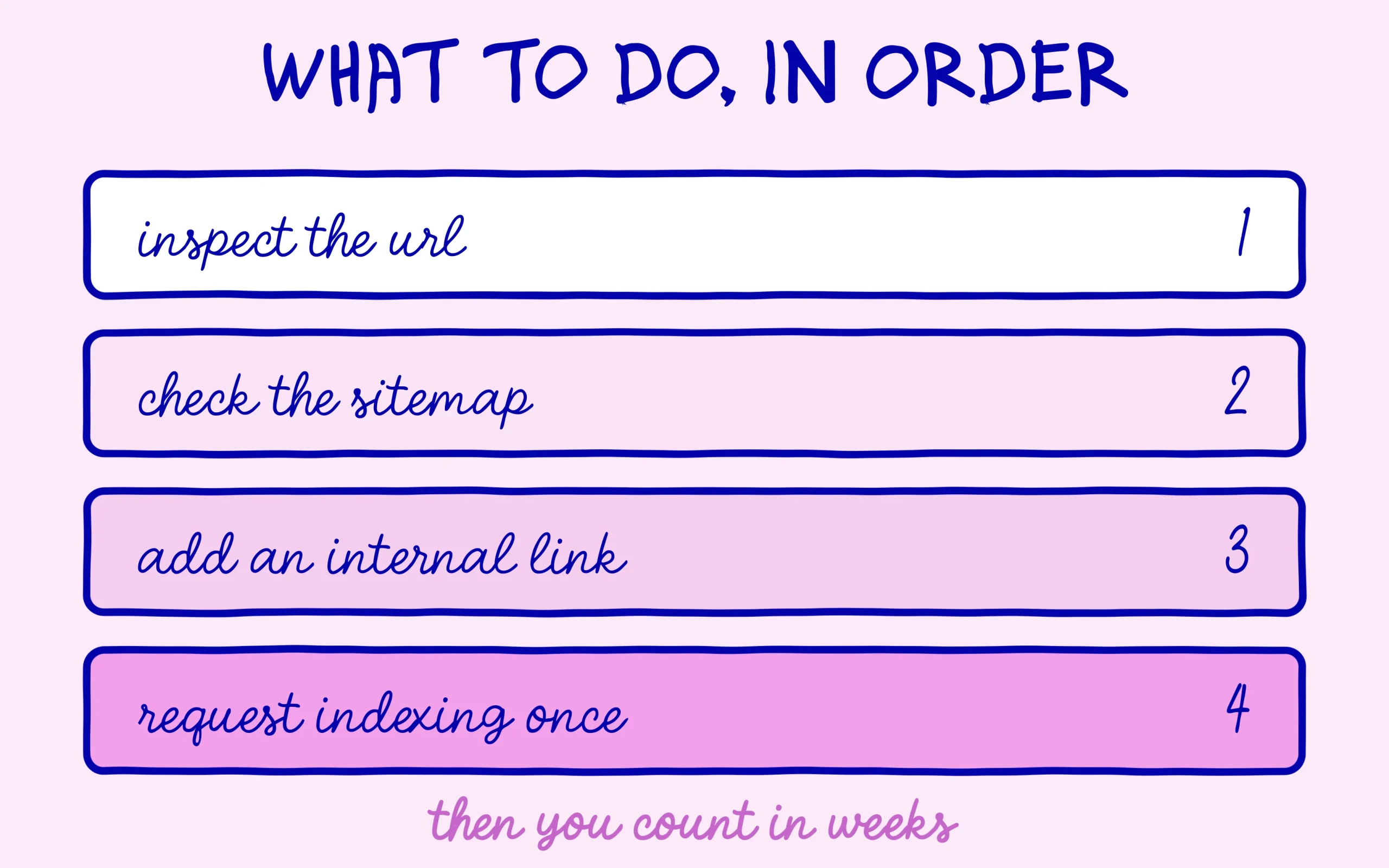
Start with the URL Inspection tool in Search Console. Paste the address into the field at the top of the screen and read what comes back. You will know whether Google has the page, when it last saw it, and whether any blocker applies. That is the only reliable diagnosis, everything else is guesswork.
Next, check the page really sits in your sitemap and that the sitemap has been submitted. On WordPress the SEO plugins handle that file for you, and the free version of Rank Math lets you control which content types get included. If you are starting from nothing here, our tutorial on building and submitting an XML sitemap on WordPress covers the whole job.
Then add at least one internal link pointing to that page from content already indexed and close to it in subject. This is the highest-yield move on the list and almost nobody bothers. A page referenced from an article Google visits regularly ends up on its route, without anyone having to ask for anything. While you are there, make sure the anchor text genuinely describes what sits at the other end.
Now you can request indexing from the inspection tool, once, and move on to something else. Repeating the request every other day moves nothing forward and burns your time. Count in weeks after that, not hours. That said, if pages stay in this state for months while the rest of the site indexes normally, go back to the structural causes above, particularly the volume of pointless URLs and your server response time.
One last thing, and it saves the most sleepless nights: this report is not a grade awarded to your site. A page not indexed today can drop into the index next week without you touching a thing. Get into the habit of recording the state of your pages on a fixed date, once a month for instance, rather than refreshing the screen every morning. Search Console rewards trend reading far more than daily surveillance, and our guide to Search Console and what it actually measures explains how to read those curves without scaring yourself.

Keep learning on SEO Noobies.
This article contains affiliate links: if you subscribe to a tool through one of them, SEO Noobies earns a commission at no extra cost to you.



[…] the crawler picks it back up within days. We described that mechanism in detail when we looked at the pages Google discovers without ever indexing them, which sit firmly in this […]
[…] you can ask for one specific address to be looked at. When a page refuses to budge, our piece on what “discovered, currently not indexed” really means decodes the label, and the routine for checking your indexing covers the basic […]