
A quiet new setting has started appearing in Search Console accounts over the past few weeks, and it asks site owners a question Google had never put quite so bluntly before. With one control, you can decide that your content will no longer show up in AI responses on Search. Not in AI Overviews, not in AI Mode, not in Discover. Plenty of people see it as a way to take back control from a search engine that summarises their articles without sending anyone over. The frustration behind that reaction is real, and I still think most young sites would be making a mistake by flipping the switch before they understand what it actually cuts off. Here is what the control does, what it takes away, and what it leaves completely untouched.
TL;DR
A Search Console setting lets you exclude your site from Google’s generative AI features: AI Overviews, AI Mode and Discover.
Google states plainly that an excluded site receives no traffic and no impressions from those features.
The setting is not used as a ranking signal, so your standard search positions stay exactly where they are.
On a young site, opting out gives away visibility you already have and returns nothing you can measure.
Summarize This Article with AI
ChatGPTWhere the control sits and what it offers
You will find the setting in Search Console under Settings, labelled Search generative AI. It is not everywhere yet. Google is releasing it property by property, so its absence from your account says nothing about your site. If you do not have it today, you will most likely see it in the coming months, and it is worth knowing where you stand before it turns up one morning.
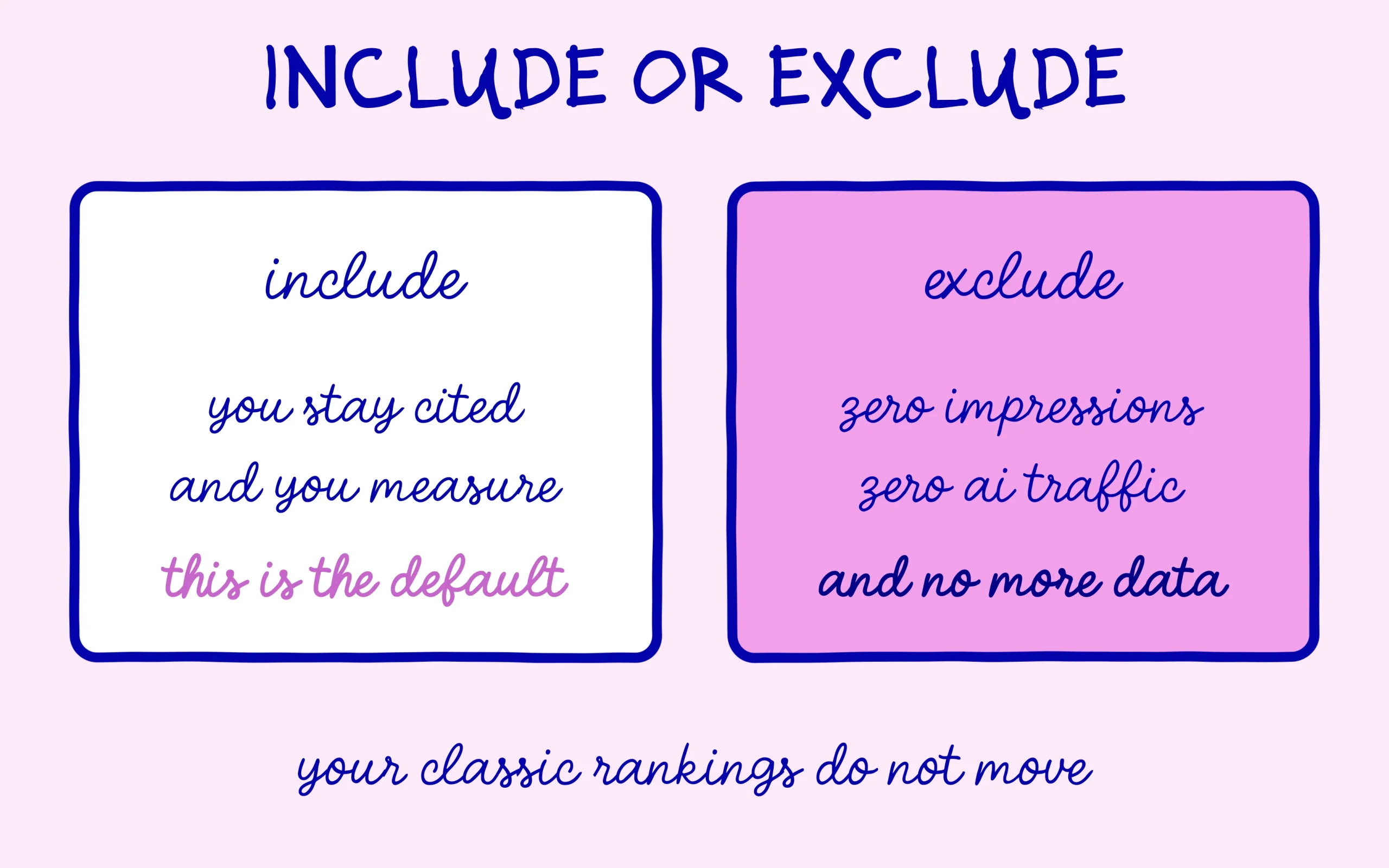
Three options are on offer. Include, which is the default and lets your content appear in AI responses. Exclude, which pulls it out. And inherit, which lines a property up with its parent, something that matters mainly if you run a domain with several subdomains registered separately. Google’s own documentation walks through all three in the Search Console help page on the search generative AI control, and it deserves a careful read before you touch anything.
One practical detail is worth knowing upfront: the change does not take effect straight away. Google gives a window of one to two days for the exclusion to propagate, with some content taking longer because of caching. So you will not see the result of your decision the same evening, and you will not see it reverse instantly either if you change your mind.
What opting out of AI responses actually costs you
Google is unusually direct about the consequence. A site that opts out will not receive any traffic or impressions from those features. That wording leaves no room for the hopeful reading I keep seeing in forums, where a site somehow stays a source without being linked. You leave the surface entirely, links included.
That loss lands harder than it sounds, for reasons of timing. AI Overviews now sit at the top of the page on a large share of queries, and AI Mode keeps growing. A site missing from those surfaces is not missing from some experimental widget, it is missing from the exact spot where a reader’s eye lands first. Our full guide to how AI Overviews work shows just how much room that block has taken in a single year.
A word on vocabulary, because it trips people up constantly. Google separates two uses of your content in AI responses: the visible link a reader can click, and the grounding of the answer itself, where the engine leans on your page to write its summary. Opting out cuts both at once. You cannot stay a source that feeds the answer while refusing to be cited, and you cannot do the reverse either. One switch covers both uses, and that lack of granularity explains a good share of the hesitation around this control.
There is also an effect no checkbox can cancel: leaving does not make the answer disappear. It makes the answer get written from whatever sources remain. A competitor covering the same ground who has not opted out simply takes the space you vacate, with no extra effort. So the question to sit with is not whether AI responses please you, it is who shows up in your place the day you walk away.
The last cost is the least obvious and the most annoying over time: you lose the measurement. The generative AI performance report in Search Console counts your impressions inside AI Overviews and AI Mode. An excluded site has nothing left to look at there, so no way to observe what its presence was worth. We covered the gaps in that report in our piece on what the Generative AI report in Search Console leaves out, and it is worth remembering that it reports impressions only, with no clicks and no positions.
Before deciding anything, get a read on how much you actually weigh inside AI responses today. A lot of sites picture themselves being plundered when they barely appear at all, and others find the opposite when they open the reports for the first time. A few weeks of observation settles the argument for your specific case and keeps a structural decision from resting on a gut feeling. Our walkthrough on checking for free whether AI engines cite your site covers the steps with no subscription involved.
What the setting leaves completely alone
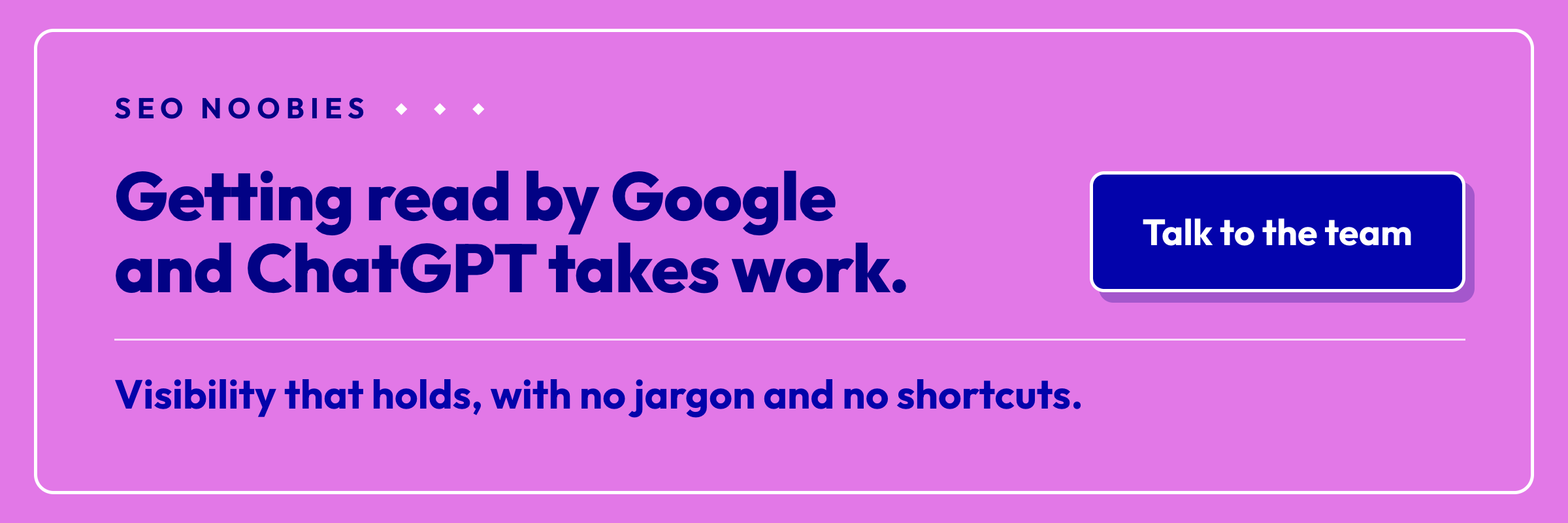
Here is the reassuring part, and it matters because a specific fear keeps circulating. Google states that this setting is not used as a ranking or inclusion signal affecting other parts of Search. A site that steps out of AI responses does not get demoted in the standard results as payback. Your blue links stay exactly where they were.
That guarantee explains why some publishers are eyeing the option seriously. When your business rests on long reported pieces that an engine can compress into three lines, the economics look nothing like those of a small business site trying to get known in the first place. An established newsroom losing clicks on expensive work has genuine reasons to want out. The argument is legitimate and it is far from settled.
That said, the maths does not transfer to a site that is just getting started. A young site has no traffic to protect, it has visibility to win, and it wins that visibility precisely where people are looking. Leaving a surface before you ever existed on it means turning down a free seat. After ten years doing SEO daily, I have never seen a site gain from making itself invisible somewhere with nothing to show for it elsewhere.
Sharper tools than the site-wide switch
What most people actually want is not to vanish. They want to stop their best paragraphs from being lifted wholesale. For that, far more precise controls have existed for years, and they work at page level rather than across the whole site.
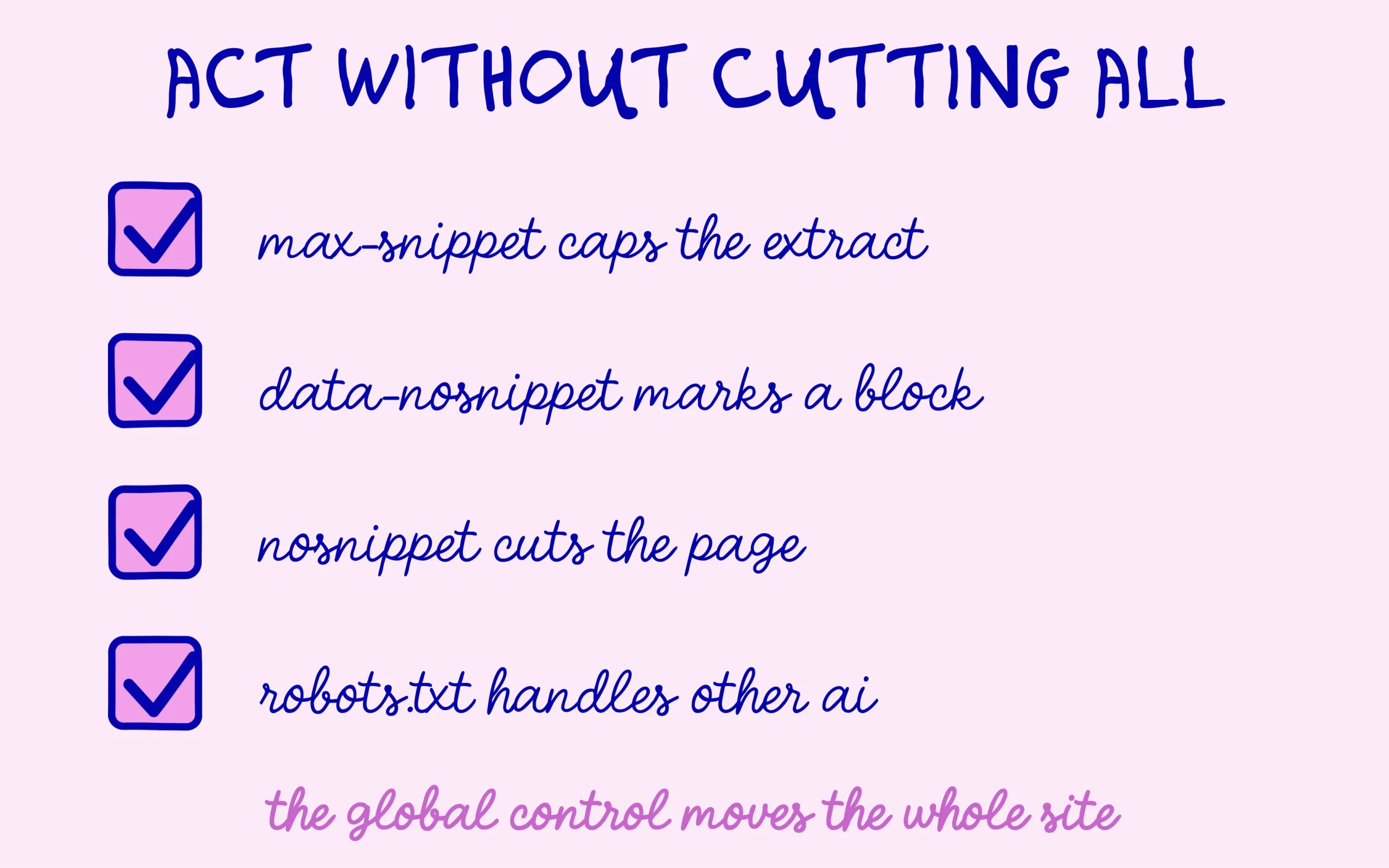
The max-snippet directive caps how long an extract Google may display. The data-nosnippet attribute goes further by marking the exact portions of a page that should never be reused, which lets you shield a method or a data table without sacrificing the rest of the article. And nosnippet switches off extracts for a whole page. Three levers, all page by page, where the Search Console control moves your entire site in one block.
One boundary is worth holding on to: crawlers from other generative engines pay no attention to this setting. The Search Console control governs Google features, not ChatGPT, not Perplexity, not Claude. Each of those is managed separately, usually through robots.txt, and we pulled that mechanism apart in our article on what your robots.txt actually tells the ChatGPT crawler.
My recommendation for a site that is starting out fits in a sentence: leave the default include on, protect the handful of passages you genuinely want shielded with a tag, and watch your impressions for a few months before deciding anything. A decision built on data will always beat one built on irritation. You can always opt out later, since the setting is not going anywhere.

Keep learning on SEO Noobies.



[…] lever for a site that lives on its audience. We went through the arithmetic in our piece on what a site genuinely gives up by blocking AI answers, and the conclusion was blunt: the option exists, almost nobody has a reason to use it. Handing […]