The Generative AI report in Search Console has been showing falling impressions since August 13, and plenty of site owners read it as proof they were losing ground in Google’s AI answers. The truth is far less dramatic. Google has confirmed that a logging error is skewing the report’s numbers, with no connection to how visible the affected sites actually are. Put plainly, the curve diving in your dashboard is not measuring a loss, it is measuring a bug. Here is exactly what the official confirmation says, how to read the report until the fix ships, and what you should avoid doing in a hurry.
TL;DR
Impressions in the Search Console Generative AI report have been dropping since August 13, 2026 because of a logging error.
Google confirmed the anomaly on its official page and states it does not reflect any visibility change in Search.
The bug only affects the reported data, not your actual presence in AI Mode or AI Overviews.
Write down the date, change nothing on your site, and wait for the fix before drawing any conclusion from your curves.
Summarize This Article with AI
ChatGPTWhat Google Confirmed About the August 13 Drop
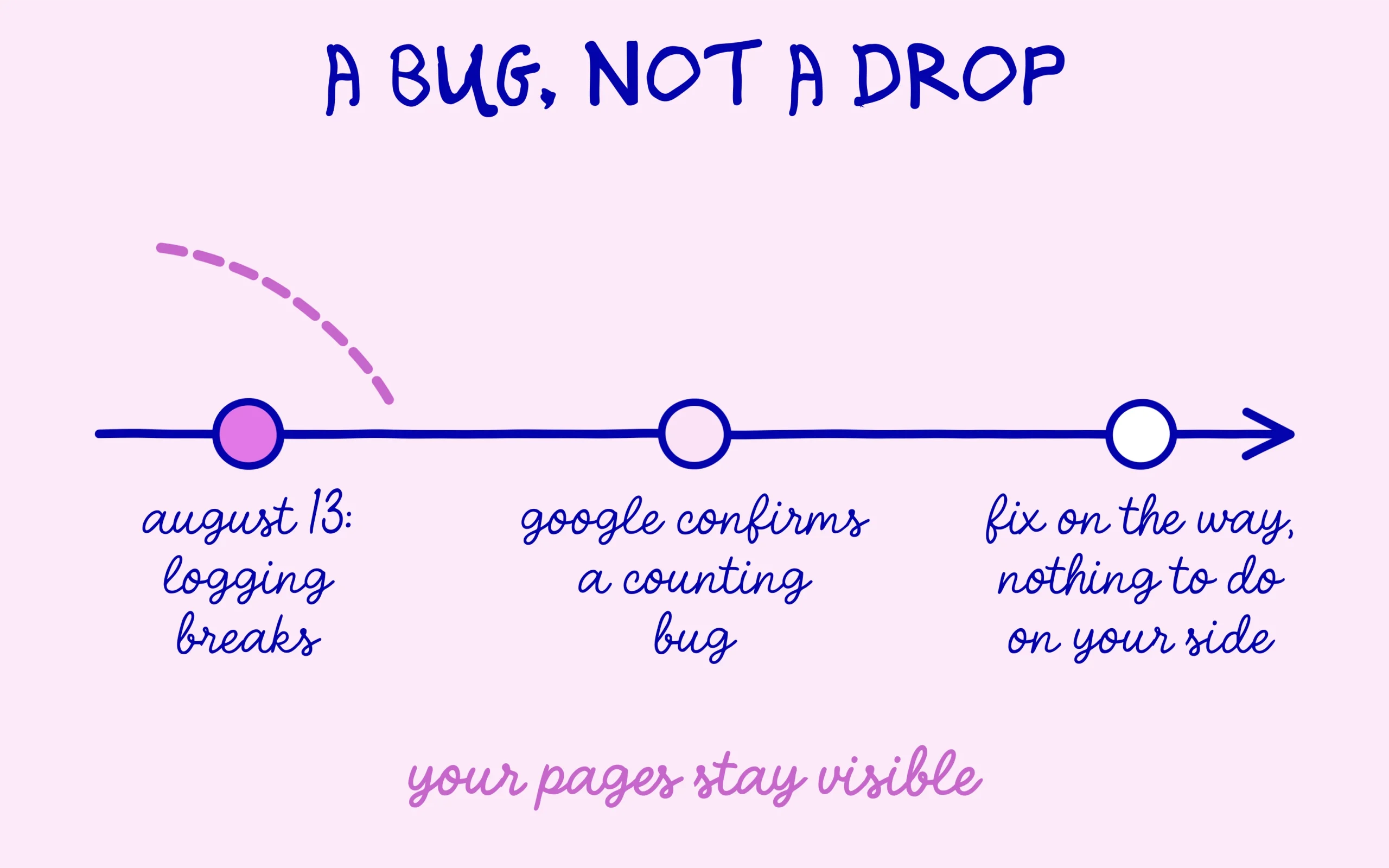
The information comes straight from Google, on the page that tracks Search Console data anomalies. The entry, dated August 13, 2026, fits in a single sentence: a logging error caused a decrease in impressions on the Generative AI performance report in Search, for data starting on August 13. You can read it in full on the official Search Console data anomalies page. As of this writing, the anomaly is still listed as ongoing, with no resolution date announced.
The part of that confirmation that matters most is the second half: the problem sits in the data logging, not in Search itself. Your pages keep appearing normally in generative results, the report has simply stopped counting a chunk of the impressions. That distinction changes everything about how to interpret the numbers. A genuine visibility loss would hit your clicks and your traffic. A counting bug only hits the curve.
Since this report is brand new, a quick refresher on what it measures helps. Launched in June 2026 and announced on the official Google Search Central blog, it isolates how your pages perform inside Google’s generative search experiences, AI Mode and AI Overviews first among them. For many beginners it was the first concrete window into a question that used to be a black box: do Google’s AI answers ever show my site? Watching it misbehave two months after launch is unsettling, which is exactly why the real cause deserves attention. We had unpacked how the report works when AI Mode queries first landed in Search Console.
How to Read the Generative AI Report While the Bug Lasts
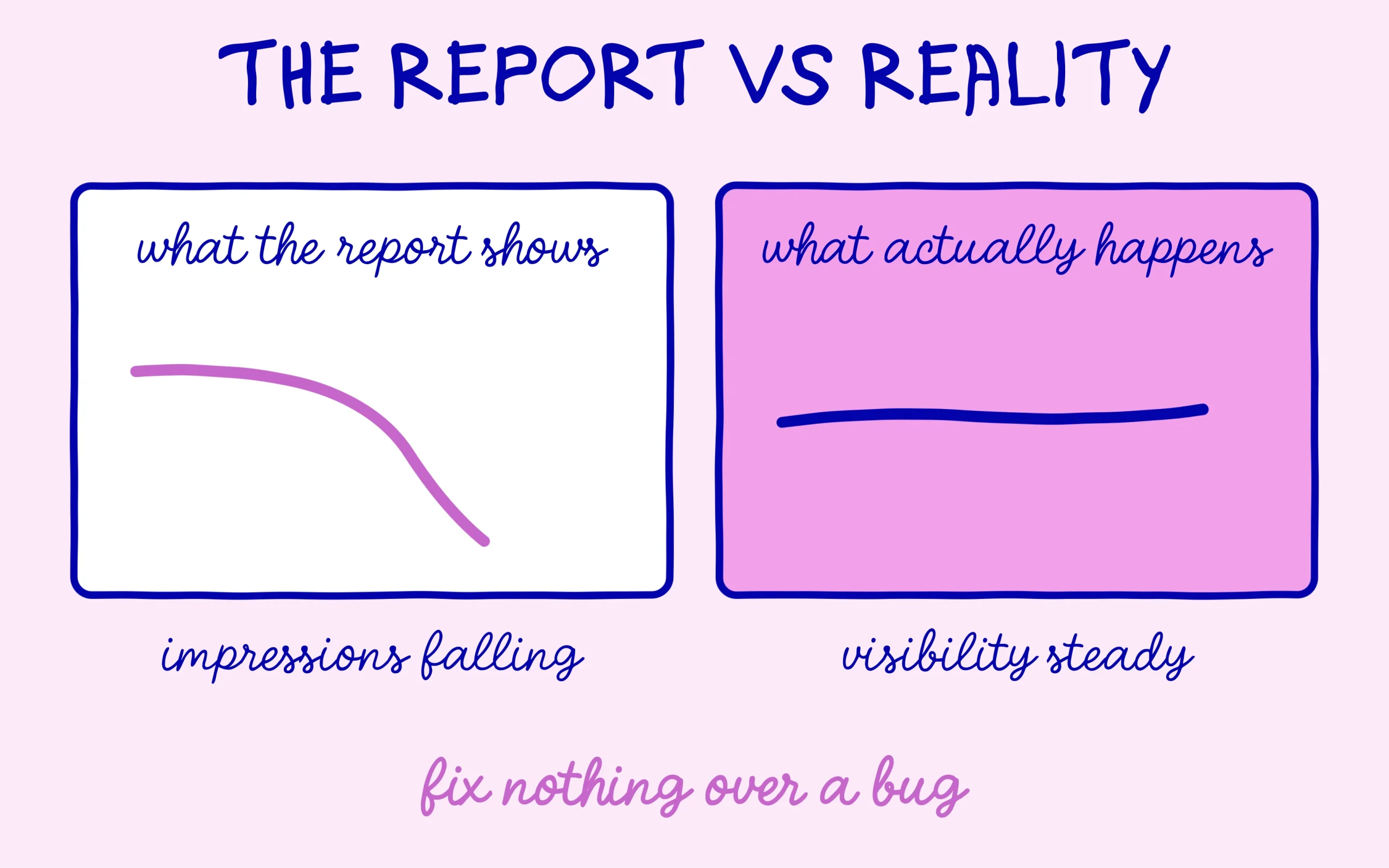
First reading rule: treat every impression figure the Generative AI report shows after August 12 as undercounted, by a margin Google has not quantified. Comparing your current week to the previous one is meaningless until the fix rolls out. If you track your numbers in a personal dashboard, mark August 13 as a boundary, exactly the way you would flag a redesign or a migration. That single annotation will keep an artificial break from polluting your analysis for weeks to come.
Second rule: the Generative AI report is not your only instrument. Clicks are not flagged as affected by the anomaly, and your real traffic remains measurable in whatever analytics tool you use. A site whose visits hold steady while its generative impressions collapse has close to definitive proof that the drop is a measurement artifact. Say your blog usually gets forty visits a day from search and it still does this week: nothing real has changed for you, whatever the curve claims. If your clicks were sinking over the same period, however, that would deserve a proper diagnosis of its own, unrelated to this bug.
This incident also illustrates something Search Console veterans know well: the tool is invaluable, and imperfect. Freshly launched reports almost always go through teething problems, data arrives late, and the anomalies page exists precisely because these episodes keep happening. A brand-new report deserves a skeptical reading, especially during its first months. Google’s own stance on how literally to take these signals already stirred debate when the company downplayed the errors Search Console displays.
The Right Reflexes Before Touching Anything on Your Site
The real danger in an episode like this lies in the reaction, not in the bug. A beginner watching their generative curve collapse may feel the urge to overhaul everything: rewrite content, rework tags, edit robots.txt, prune pages that look guilty. Every one of those moves, decided on top of corrupted data, can create a genuine problem where none existed. The rule is simple and applies to every anomaly Google confirms: as long as the cause is identified as a measurement bug, you fix nothing based on those numbers.
In practice, three habits cover it. Start by checking that your clicks and your overall organic traffic are holding their usual level, both in Search Console and in your analytics. Next, make the anomalies page your first stop whenever a curve looks strange, the reflex takes thirty seconds and saves entire evenings of worry. Then wait for the closing annotation: Google usually notes on that same page the date from which the data becomes reliable again, which tells you when your comparisons start making sense once more.
Looking past the next few weeks, keep in mind that the Generative AI report remains the best free tool for tracking your presence in Google’s AI answers, bug included, and it costs nothing to keep an eye on it. Once the incident closes, it will go back to being the reference for measuring what generative experiences bring you. In the meantime, if the episode made you want to firm up your basics with the tool, the method for checking how your pages are indexed in Search Console is still the best place to start.

Keep learning on SEO Noobies.