
Your Core Web Vitals are red in PageSpeed Insights, and the first advice you get is to change your theme. That is the most expensive answer and the one least often justified. In most cases, the Core Web Vitals of a WordPress site recover with a handful of targeted settings and some cleaning up of whatever loads at startup. This guide walks through the three scores one by one, says where to read the real values, and lists the fixes in the order you should apply them. The last section covers the cases where the theme genuinely is at fault, because those exist too.
TL;DR
Core Web Vitals are three measurements: LCP for loading speed, INP for responsiveness, CLS for visual stability.
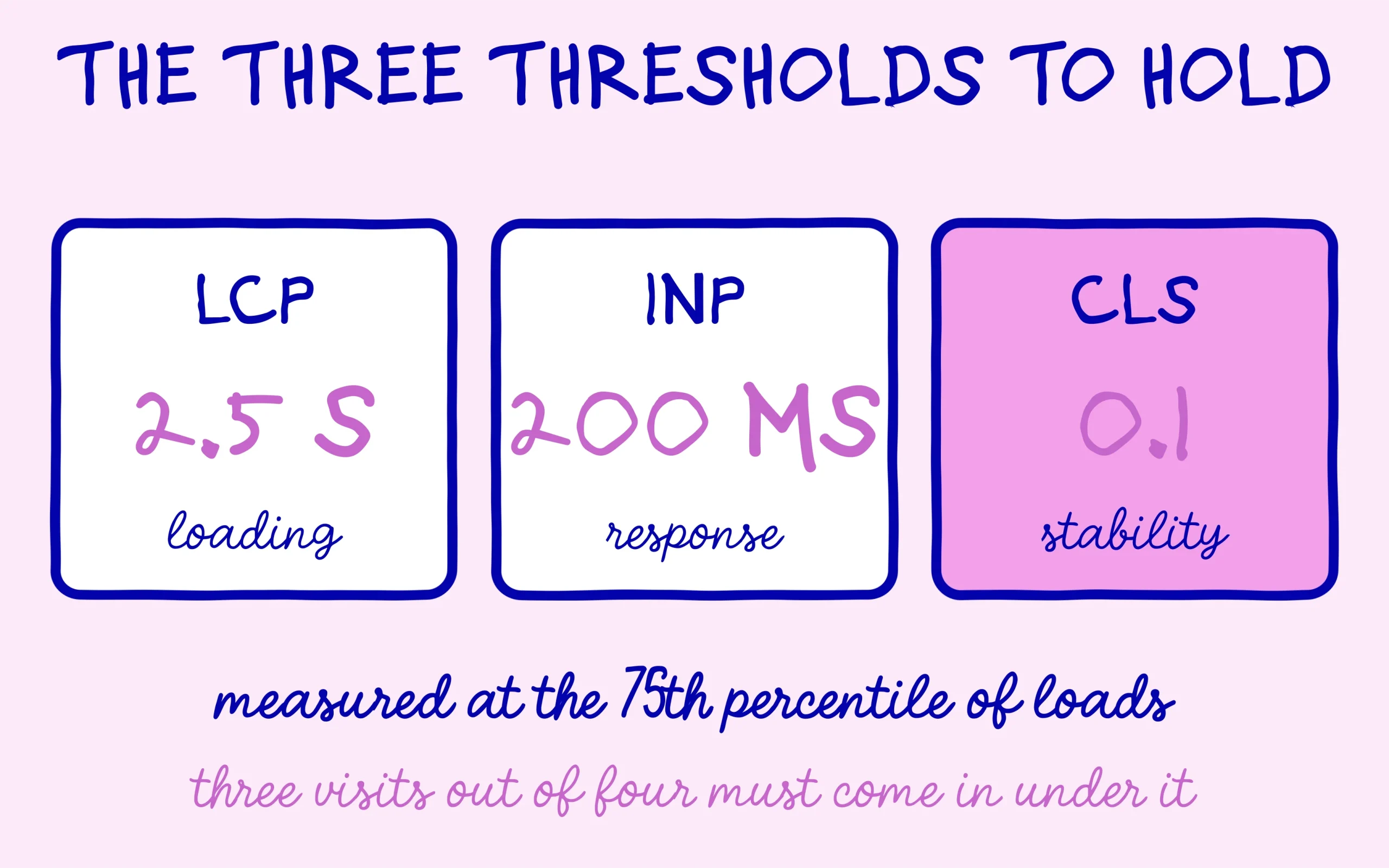
Google treats as good an LCP at or under 2.5 seconds, an INP at or under 200 milliseconds, and a CLS at or under 0.1, measured at the 75th percentile.
The score that counts comes from real visits, not from the test you run in your own browser.
Images, fonts and third-party scripts explain most bad scores on WordPress, and all three are fixable without a rebuild.
Get an AI summary of this article
What LCP, INP and CLS Actually Measure
Core Web Vitals are three indicators Google publishes and documents on its reference page for web vitals. Each of the three Core Web Vitals covers a different moment of the experience, and they need separate treatment because the same fix does not move all three.
LCP, or Largest Contentful Paint, measures how long the biggest visible element takes to appear. On an article that is almost always the cover image or the title block. The good threshold sits at 2.5 seconds. INP, or Interaction to Next Paint, measures the delay between somebody clicking and the page visibly responding. The threshold is 200 milliseconds. CLS, or Cumulative Layout Shift, measures layout jumps: the text you had started reading that suddenly drops because an image or a banner loaded above it. The threshold is 0.1, and that value carries no unit, it is a score.
One point beginners routinely miss: Google does not look at your average. Evaluation happens at the 75th percentile of page loads, separately on mobile and on desktop. Three visits out of four have to come in under the threshold. A site that feels fast to you, on your fibre connection and your recent laptop, can fail simply because a quarter of its visitors are on an entry-level phone with mediocre mobile data.
Where to Read Your Real Core Web Vitals Instead of a Lab Test
Two families of measurement exist, and confusing them wastes a lot of time. Field data comes from the Chrome User Experience Report, which everyone shortens to CrUX: anonymised measurements from actual visitors to your site using Chrome. Lab data comes from a simulated test run on demand under fixed conditions. Only the first kind counts for Google’s evaluation.
In practice, open PageSpeed Insights and look at the top block, the one headed “Discover what your real users are experiencing”. That block is CrUX. The big coloured score out of 100 just below it comes from Lighthouse, so from the lab, and it determines nothing at all on Google’s side. A site can show 62 out of 100 in the lab and still pass all three field signals.
Search Console carries a Core Web Vitals report drawing on the same CrUX data, with the advantage of grouping your URLs by template. That is where the work happens, because it tells you whether the problem hits your articles, your category pages or your homepage. Mind the delay, though: the report runs on a rolling twenty-eight-day window, so a fix deployed today will not show for several weeks. That lag discourages plenty of people who conclude far too early that their fix did nothing.
One last trap: a low-traffic site sometimes has no CrUX data at all, for lack of a big enough sample. PageSpeed then shows only the lab section, and Search Console stays empty. That is not a bug. Work from the Lighthouse recommendations knowing they are indicative, and check on a real phone rather than on your desk setup.
Discover the SEO Noobies agency

The Fixes That Hold Without Touching the Theme
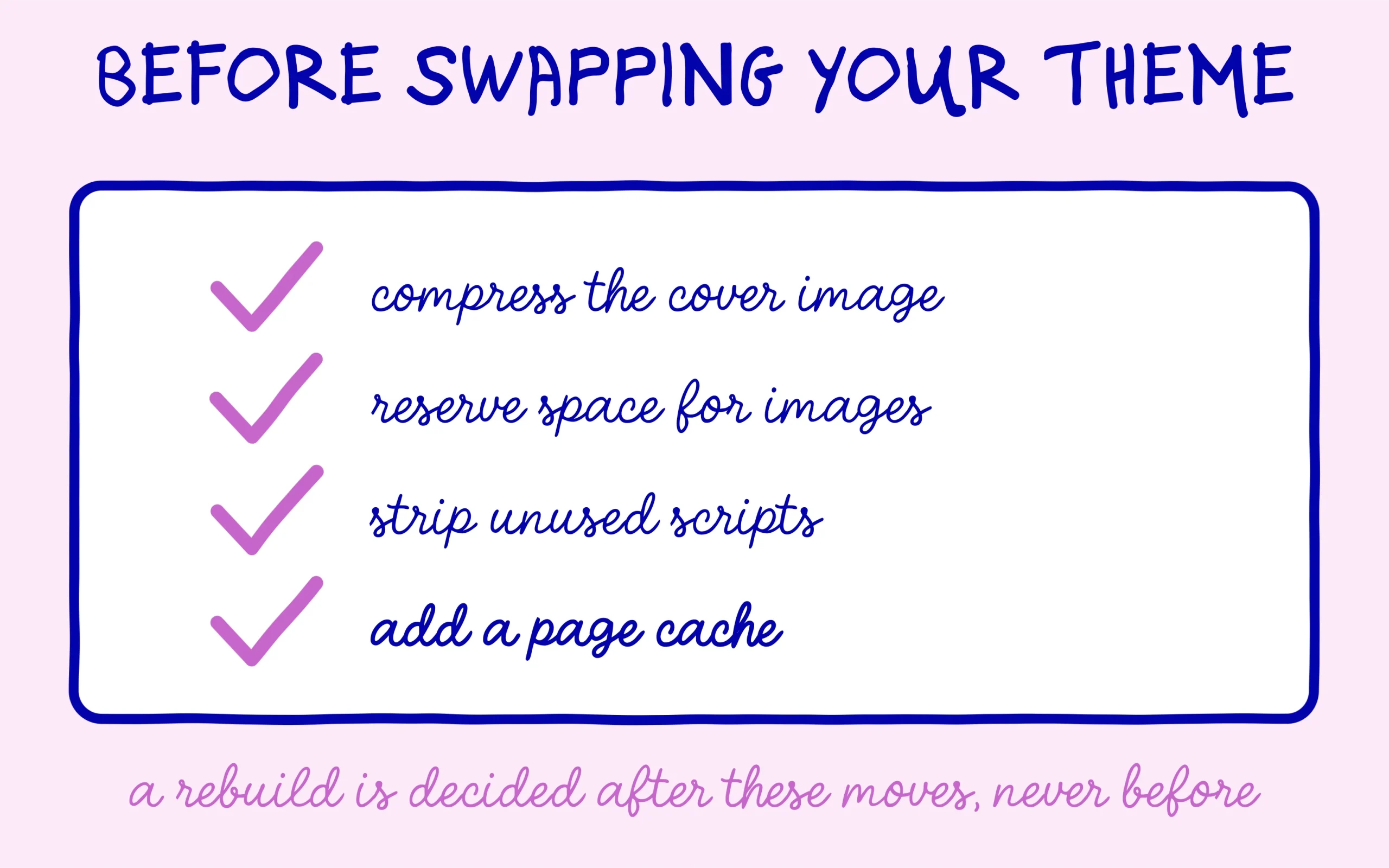
Start with images, because that is almost always where your Core Web Vitals are decided, LCP in particular. A cover image served at full resolution, uncompressed, in an older format, is enough to fail the score on its own. Three moves settle the question: conversion to WebP, real dimensions matched to the display size, and a lazy loading attribute on everything below the fold. That is exactly the work covered in our guide to WordPress image weight.
Watch out for a classic mistake here: lazy loading must never apply to the cover image. Deferring the very element that defines your LCP means deliberately delaying it. Most image optimisation plugins offer an option to exclude the first images on a page, and it needs ticking.
CLS gets fixed by reserving space before content arrives. Every image needs its width and height attributes, which WordPress adds automatically when you go through the media library and skips when you paste raw HTML. Custom fonts are the other big cause of jumping: the browser shows a fallback first, then swaps, and the whole block moves. A font-display swap setting paired with a fallback whose metrics sit close to the real font removes most of the shift.
INP is the signal most tied to plugins. Every script running while a visitor clicks delays the response. Take an inventory of what loads on your site: consent banner, chat widget, advertising pixels, carousels, animated sliders, counters. Switch off anything you no longer use, and check that the rest loads only where it serves a purpose. A plugin deactivated in the admin sometimes keeps loading its files on the visitor side, which explains slowdowns that make no sense on a site you thought you had cleaned. Our article on hidden WordPress plugin access covers how to spot that kind of leftover.
Then add a caching and concatenation layer. A page cache serves an already-built version instead of hitting the database on every visit. Concatenation bundles style and script files to cut the number of round trips. Both settings take minutes with an optimisation plugin, and they often shave several hundred milliseconds off the LCP. Always check the rendering afterwards: aggressive concatenation sometimes breaks the layout, and you then exclude one specific file.
A word on the order in which to work, because it matters more than people expect. Fix one thing, wait, measure, then move on. Stacking four optimisations in one afternoon leaves you unable to tell which one helped and which one broke the layout on mobile. Field data needs weeks to update anyway, so the pace is set for you. Keep a short log of what you changed and when, and compare it against the Search Console curve later. Site owners who skip this step end up reverting good fixes because a bad one shipped the same day.
Finally, check your redirects. A redirect chain adds a full network round trip before the page even starts loading, and those chains pile up quietly across URL changes. Our guide to 301 redirects on WordPress goes through it in detail.
When the Theme Really Is the Problem
Honesty demands saying that a rebuild is sometimes the right answer. The clearest case involves page builders producing a stack of nested containers and loading their own style library on every page, including pages using none of their blocks. On those sites you can optimise images for hours and the foundation stays heavy.
The second case involves themes sold with a lavish demo: slideshows, scroll animations, counters, video backgrounds. Those elements are rarely cleanly removable, and they weigh on INP permanently. The third case, rarer, covers themes loading fonts from an external service with no option to host them locally.
The test that settles it is easy to run. Activate a default WordPress theme on a staging copy, change nothing else, and measure again. If the Core Web Vitals stay bad, the theme was not the problem and you should look at hosting or plugins. If they improve clearly, you have your answer, and at least you know the spending is justified. Running this test before paying for a rebuild avoids rebuilding a site that never needed it.
Before committing to anything, price the alternative properly. Migrating a theme means rebuilding templates, rechecking every landing page, and usually redoing part of the internal linking. Set that cost against a week spent stripping plugins and compressing images, and the arithmetic often favours the cleanup. A rebuild also resets whatever tuning you had accumulated, so you start the measurement cycle from zero.
That leaves hosting, often forgotten even though it conditions everything else. A saturated shared server adds delay before the first byte even ships, and no page-side optimisation recovers that lost time. If your server response time regularly exceeds 600 milliseconds in field measurement, look there before opening a single theme file.

Keep learning on SEO Noobies.