
Editing a WordPress URL takes ten seconds inside the editor, which is exactly what makes it dangerous. The permalink field changes like any other field, the update button behaves as usual, and nothing in the interface warns you that the old address has just stopped existing for the rest of the web. Every link that pointed at it now fails, including your own, and Google needs weeks to work out what happened. Here is what breaks, which situations justify the change anyway, and the order of operations that keeps anybody from noticing.
TL;DR
Editing the permalink of a published page deletes the old address without warning. It returns a 404 error to every visitor and every crawler.
A permanent redirect has to go up in the same working session, so the history attached to the old address transfers to the new one.
Three cases justify the change: an unreadable address, a page whose subject genuinely moved, a rebuilt site structure. Cosmetics is not one of them.
Expect several weeks before Google has swapped everything in its index, and a temporary traffic dip while the transition runs.
Get an AI summary of this article
The old address disappears the moment you save
A word on vocabulary first, since a WordPress URL comes in two parts. The full web address of a page is its URL. The last segment, the one describing the page itself, is the slug. On a page ending in pricing-2024, the slug is pricing-2024. That fragment is what WordPress lets you edit in the editor sidebar, under the permalink heading.
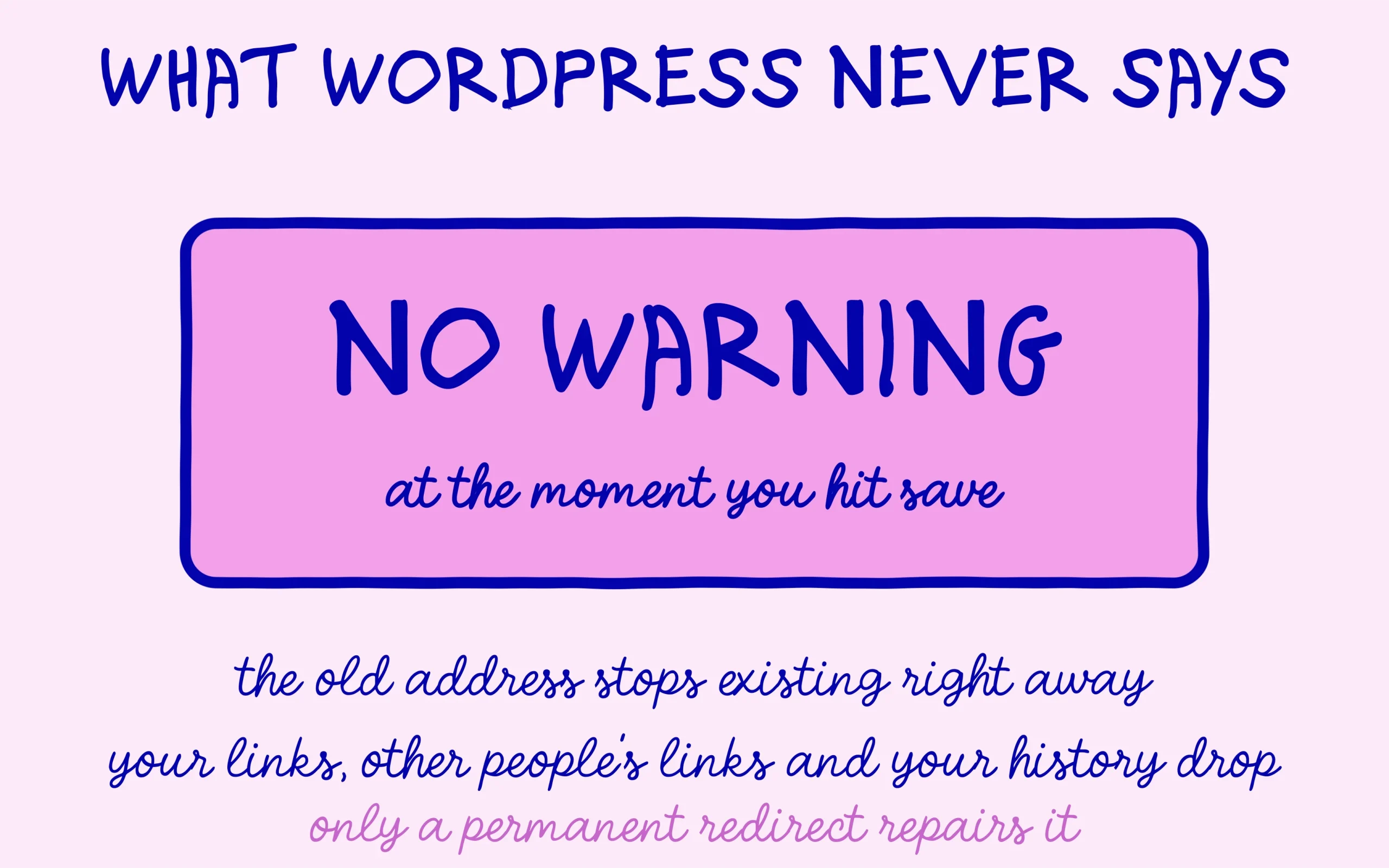
What happens on save is abrupt and completely silent. WordPress now serves the page at the new address, and the old one matches nothing in the database. A visitor arriving through an old link lands on an error page. A crawler gets the same thing, and it records it. No warning appears when you click update, which explains why this mistake gets made so often with no bad intent involved.
The damage from an edited WordPress URL spreads across three fronts worth keeping separate. Your own internal links still point at the old address, sitting in older posts and in your menus. External links earned over time also point at the old address, and you have no way to ask each site to update them. Finally, the history Google built on that address, rankings included, stays attached to a page that no longer exists.
Google documents this exact scenario in its official page on site moves with URL changes. What comes through is that an address change is never free, even when executed flawlessly. It costs processing time and a spell of ranking instability, which is enough to make it a deliberate decision every time.
One scenario deserves clearing out straight away so nobody panics unnecessarily. As long as a post has never been published, sits in draft and has never been seen by anyone, changing its slug causes no trouble at all. Nothing points at it, nothing is indexed, there is no history to transfer. Everything on this page concerns content that is already live.
Three cases where changing a WordPress URL pays off
The first WordPress URL case is the unreadable address, and it is the most common on sites installed in a hurry. An address like p=147, or one carrying a full date, or a string of words joined by underscores, works against the page in search results and in any share. The gain here is lasting and the change is justified, provided you do it once and never revisit it.
The second case is a genuine shift in what the page covers. An address announcing a 2024 guide when the content has been rewritten from scratch for 2026 creates a mismatch readers can see. Watch out for a common trap though: putting a year inside an address commits you to changing it every twelve months. Better to strip the year from the slug once and handle the update in the title, which changes with no consequences.
The third case is a structural rebuild, when you move from a flat site to sections or the other way round. At that point you are not changing an address but a whole plan, and the work starts with a complete mapping table before a single edit. A poorly set canonical tag can compound the confusion during such a move, something the piece on a bad canonical tag quietly hiding pages covers in detail.
Against those, two WordPress URL motives come up constantly and do not justify the operation. Adding another keyword to an existing address does not return enough to offset the temporary loss, because the slug carries modest weight next to the content itself. And finding a competitor’s address prettier than yours is not a technical reason, it is an aesthetic irritation with a real price tag.
A simple rule settles most WordPress URL hesitation quickly. If the page draws search traffic and you cannot explain in one sentence what the change gives the reader, leave the address alone. On a page drawing nothing that is about to be rewritten from top to bottom, the risk is close to zero and the question barely arises.
The steps, in the order they belong
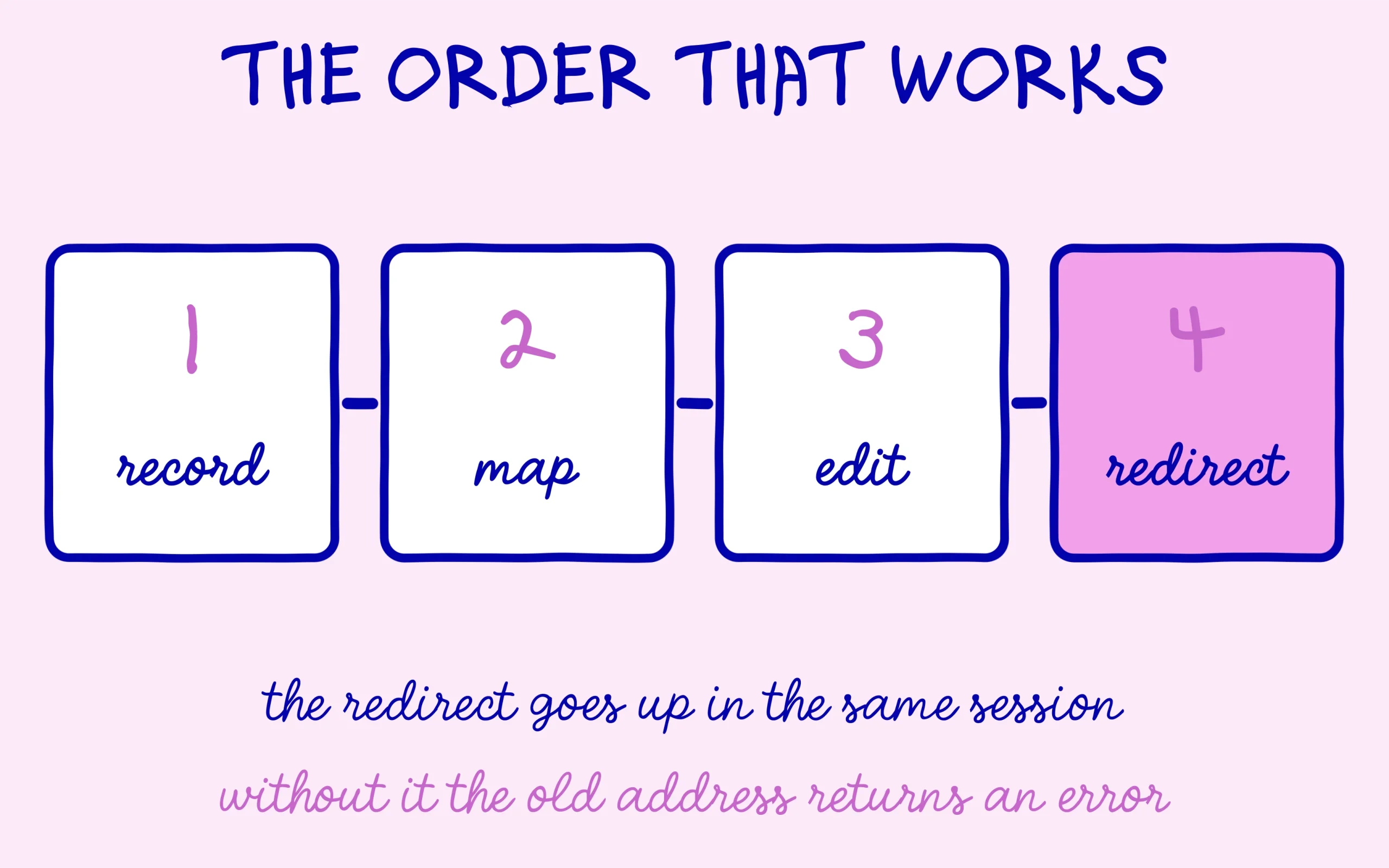
Before touching the WordPress URL at all, write the current address down in full, in a file or a notebook. It sounds obvious and it is the step people skip most. Without the old address recorded somewhere, you cannot set up the redirect afterwards, and digging it out of browser history or Search Console wastes an unreasonable amount of time.
Second, find out what points at that page on your own site. The search box in the WordPress admin will hunt the slug inside post content, and a quick pass through your menus and widgets finishes the inventory. This happens first, because afterwards you would be searching for an address that no longer exists and the results get muddier.
Third comes the change itself. Open the page in the editor, expand the sidebar, edit the permalink field, save. A short slug in lower case, hyphen separated, with no accents and no special characters, stays the safest shape. Drop the filler words that carry nothing, the a, the of, the for.
Fourth, and this is the step that repairs everything else: put a permanent redirect from the old address to the new one in place immediately. Same working session, before you close the tab. The full walkthrough, with or without a plugin, sits in the step-by-step guide to setting up a 301 redirect in WordPress. That redirect is what carries the old address history over to the new one and stops the 404s.
Fifth, update your own internal links using the list from step two. The redirect works, but routing every visitor through a pointless detour slows the page and dilutes a little of the weight passed along. Your internal links are the only ones you control, so they may as well land directly in the right place.
Last, send the new address to Google. A pass through the URL inspection tool in Search Console with an indexing request speeds up processing, and an up to date sitemap handles the rest of the affected pages. If generating that file is not set up on your site yet, putting an XML sitemap in place on WordPress takes a few minutes.
What the following weeks look like
The first thing to know about a changed WordPress URL is that nothing moves instantly on the search side. Google has to revisit the old address, meet the redirect, then crawl and process the new one. Depending on how often it visits your site, that runs from a few days to several weeks. During that window both addresses may show up in results, which is normal and needs no intervention.
A temporary traffic dip on the affected page is common and does not signal a problem by itself. It becomes worrying if it lasts past two months, or if the new address still fails to appear in Search Console. In that case the first move is checking that the redirect really is permanent and does not run through a chain of several hops.
The Search Console indexing report is where all of this gets monitored, and two lines deserve attention. A rise in 404 pages says a redirect is missing somewhere. A rise in pages marked as redirected is the expected signal instead, showing the crawler met your redirect and recorded it.
One point gets forgotten regularly, and it concerns how long the redirect should live. It stays in place indefinitely, not for a few months. Old external links will keep pointing at the old address for years, and removing the redirect during a tidy-up would bring every one of those errors back at once. A redirect costs nothing to keep and plenty to remove.
A last note on method for anyone facing several addresses to fix. Work in batches of a few pages, leaving a week between batches. Changing thirty addresses on the same day makes it impossible to tie a traffic swing to any one page, and turns a manageable job into an undiagnosable mess.

Keep learning on SEO Noobies.