Google AI Mode has just opened a feature that used to sit behind a paid subscription. Anyone can now ask it to keep watch on a topic, and the assistant comes back on its own when something on the web changes. A restaurant opening down the street, a product coming back in stock, a price going down: the person describes what they want followed once, and Google goes looking on their behalf, day after day. For a website owner, that shift raises a question most small sites never had to think about, which is what Google actually finds on your pages when it comes back. Here is what the feature really does, and what it means when you are still finding your feet.
TL;DR
Google AI Mode can watch a topic continuously and alert the user when the information changes. The feature went worldwide for everyone on 28 September 2026.
It monitors websites, forums, social posts, real-time data feeds and Google’s Shopping Graph, which the company puts at more than 60 billion products.
Google has not said how it picks the sources behind those alerts, or how often a business website shows up in one.
A page whose information genuinely changes, and changes in the HTML rather than inside an image, stands a better chance of feeding this kind of tracking than a page frozen two years ago.
Get an AI summary of this article
What AI Mode goes looking for once someone asks it to track a subject
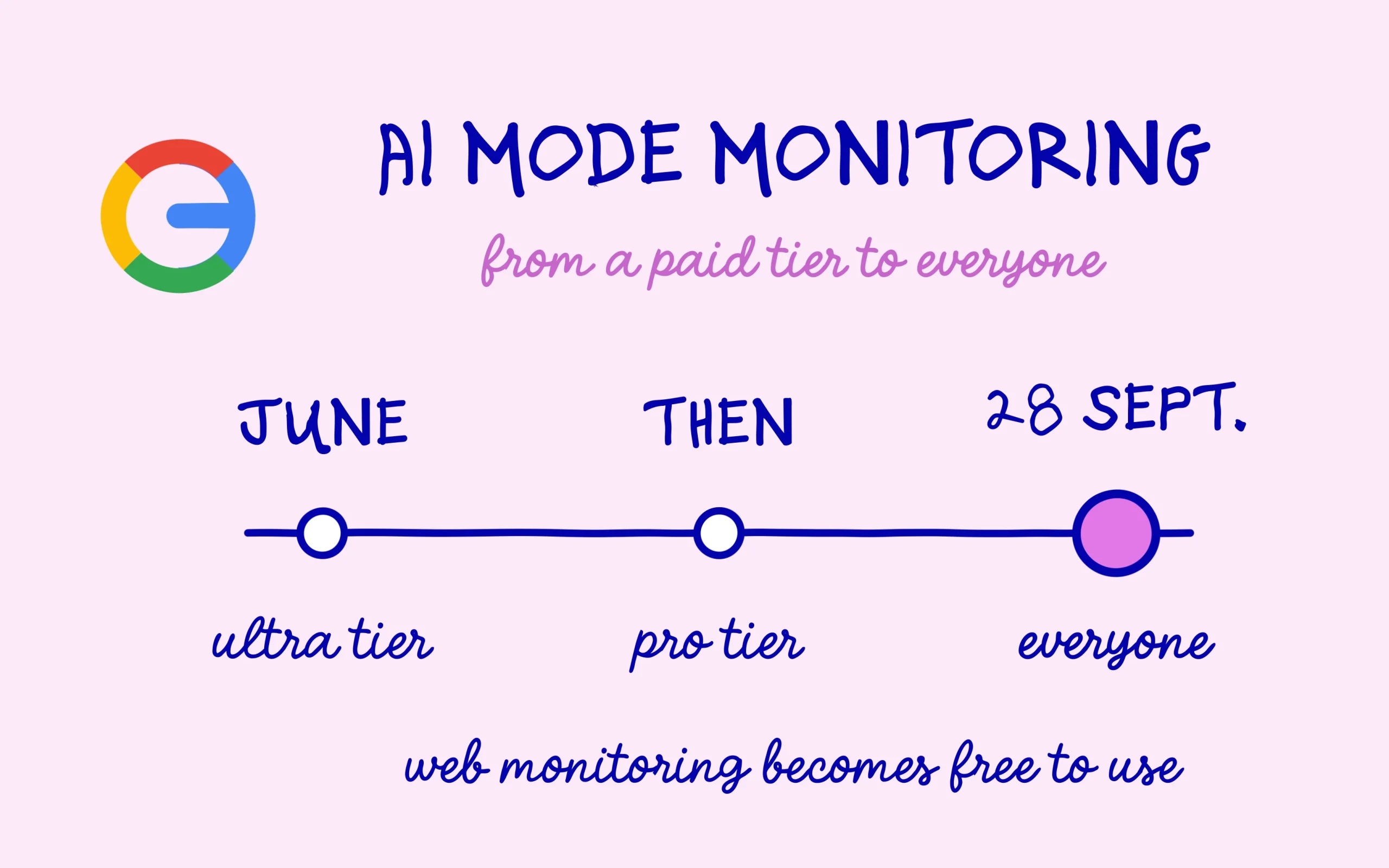
Robby Stein, VP of Product for Google Search, announced the global rollout on 28 September 2026 in a post that came with a demo video. The capability had existed since June, limited to paying Google AI Ultra subscribers and then extended to the Pro tier. AI Mode now carries it for everyone, everywhere, inside the Google app.
The mechanic fits in one sentence: you tell AI Mode exactly what to look for, and Search keeps checking across the information that changes on the web. The stated scope covers sites, forums and social posts, real-time data sources, and the Shopping Graph with its 60 billion-plus products. When something lines up, a notification lands in the app.
The examples Google put forward say a lot about who this is aimed at: a new restaurant or pop-up nearby, local holiday activities for the kids, a back-in-stock alert, a price drop. These are the things people check by hand two or three times a week, and the engine now offers to do that checking for them. Google’s own AI Mode help documentation covers the user side, including the list of tracked topics that anyone can review or switch off from their history.
One fair objection: Google Alerts has done something similar for years, and for free. The difference sits in how you ask. Alerts works on keywords, so the user has to guess the exact wording that will appear on the page they are hoping to find. AI Mode takes a plain-language request such as “let me know when an osteopath opens near me” and handles the interpretation itself. That flexibility widens the pool of people who will actually bother to use it.
This rollout follows a run of changes already covered here, starting with AI Overview links that now open AI Mode. The surface is turning from a place where you ask a question into a place where you hand over a watchlist.
The source question Google has left unanswered
Both the announcement and the documentation stay silent on two things: how Search picks the sources behind these updates, and how often a business website ends up quoted in an alert. That is the blind spot, and it deserves to be stated plainly rather than papered over. Nobody currently knows whether an AI Mode alert about a new restaurant in Manchester points to the restaurant’s own site, its Google listing, a directory or a local news piece.
What can be said with confidence is that the whole mechanism rests on detecting change. Continuous monitoring compares one state against another: yesterday’s price against today’s, yesterday’s list of available items against today’s. information that never changes never triggers anything, and that is the one rule you can take as given without overreaching.
Where it gets awkward for a small site is that plenty of details which genuinely change in real life never change in the page code. Summer opening hours baked into an image, a rate updated inside a downloadable PDF, an “we are open” line written three years ago and never revisited. The owner knows the offer has moved. The page carries on telling the same story.
The same logic applies to the Google listing, usually the first surface the engine reads about a local business, and one that now leads with an AI-written summary at the top. A listing kept current alongside a frozen website sends two signals that contradict each other.
Which details are worth keeping genuinely current on a business site
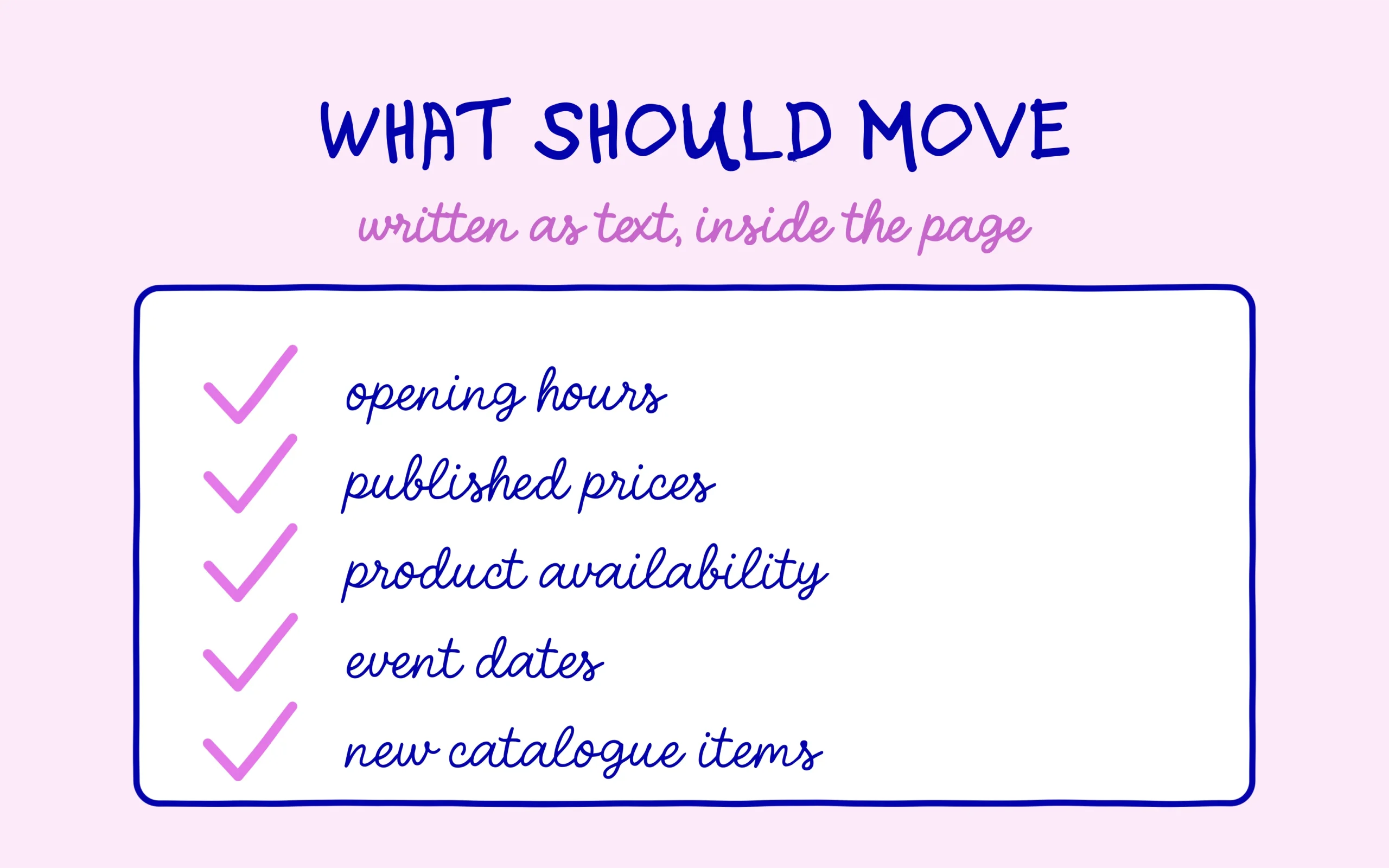
None of this calls for a rebuild. The useful work is spotting which pieces of information about your business genuinely move, then checking they are written as text, in the HTML, somewhere stable on the page. Opening hours, rates, availability, event dates and new catalogue items all belong in that group.
Information locked inside an image or a downloadable file stays unreadable to a crawler. Put concretely, if your prices live in a scanned JPEG menu, they do not exist for Google, and no amount of monitoring will ever see them change. Moving them into text usually takes ten minutes and settles the problem at the root.
On an online shop the stakes go up a notch, since the Shopping Graph sits among the monitored sources. Product structured data carries availability and price in a format the engine reads without guesswork, and most e-commerce plugins generate it on their own. Checking those fields fill in properly beats hoping a crawler will work out a price shown as an image on a product page.
The second habit worth building is dating what deserves a date. A page showing “2026 rates” or “updated 15 September” gives an explicit freshness marker, where an undated page leaves the engine to guess. Nothing says you should stamp a date across the whole site, and putting one on a news page you then never update achieves the opposite of what you wanted.
Measurement comes last, and it is the frustrating part here. No report currently separates a visit that came from a monitoring alert from a visit that came from an ordinary search. The one thing you can watch in Search Console is how impressions move on AI surfaces, which the dedicated report shows separately. That will not answer the question, though it does stop you building a story on numbers that do not exist yet. The sensible horizon for AI Mode runs in quarters: if your information is clean and readable the day Google opens up the measurement, you will have nothing to catch up on.
Keep learning on SEO Noobies.