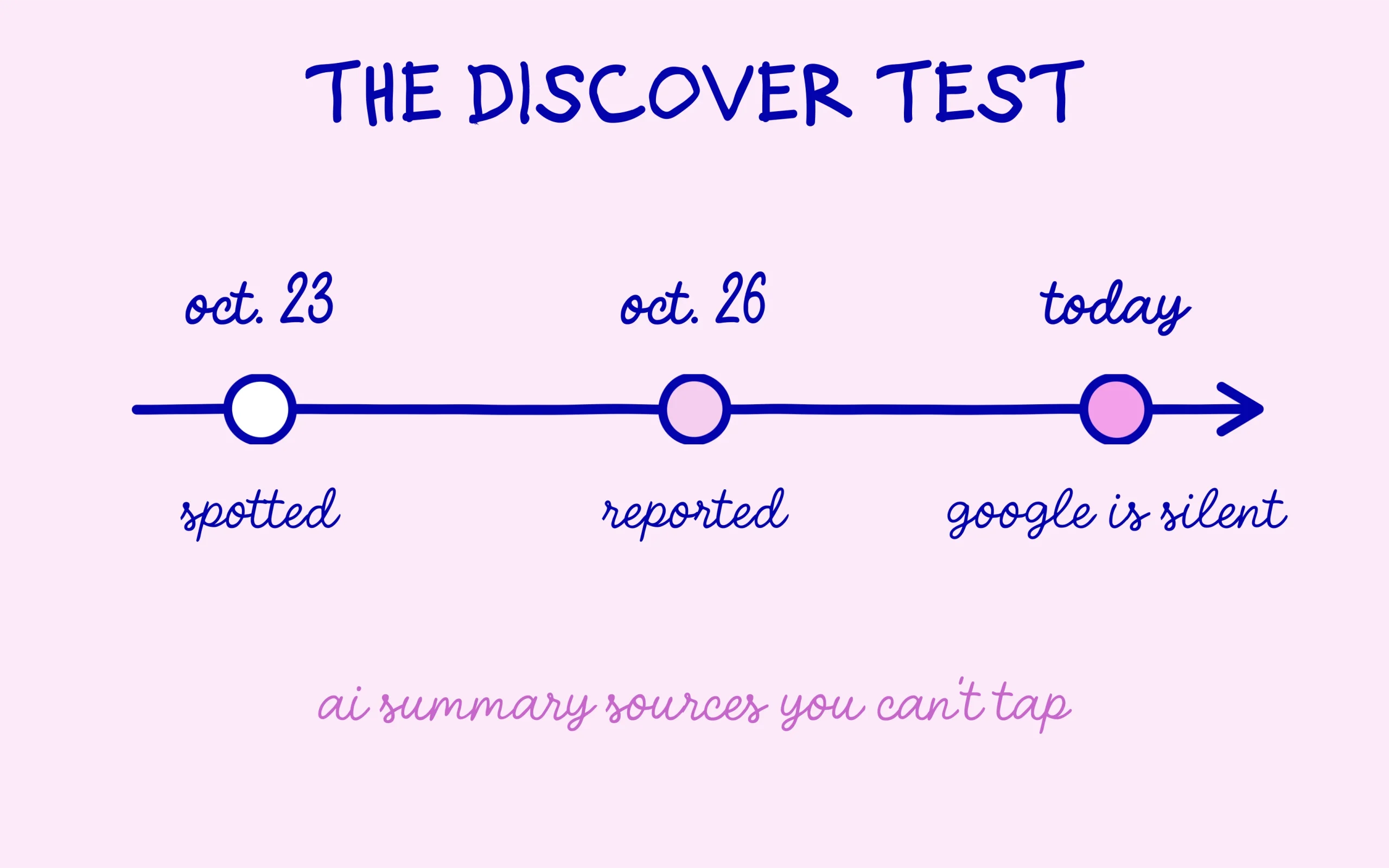
Google Discover, the article feed the Google app shows under its search bar, is testing a quiet change that directly affects the sites cited in its AI summaries. In some summary cards, the sources button reportedly no longer responds when tapped, even though it used to open a short list of the articles the AI drew on. The test was spotted on October 23 by Damien Andell, a close observer of Discover, then picked up on October 26 by Search Engine Roundtable. Google has stayed silent on it, and there is no sign yet that the change will roll out widely. For any site that gets part of its traffic from Discover, it is still a signal worth watching, and a few simple checks will show whether it has an effect.
TL;DR
Google is testing a setting in Discover that disables taps on the sources button of AI-generated summaries.
That button used to open a short list of the articles behind the summary, each with a link to the original page.
Damien Andell spotted the test on October 23, and Google has made no announcement or comment so far.
The useful habit: check the Discover report in Search Console every week to catch any drop in clicks.
Get an AI summary of this article
Google Discover is testing sources you can no longer open
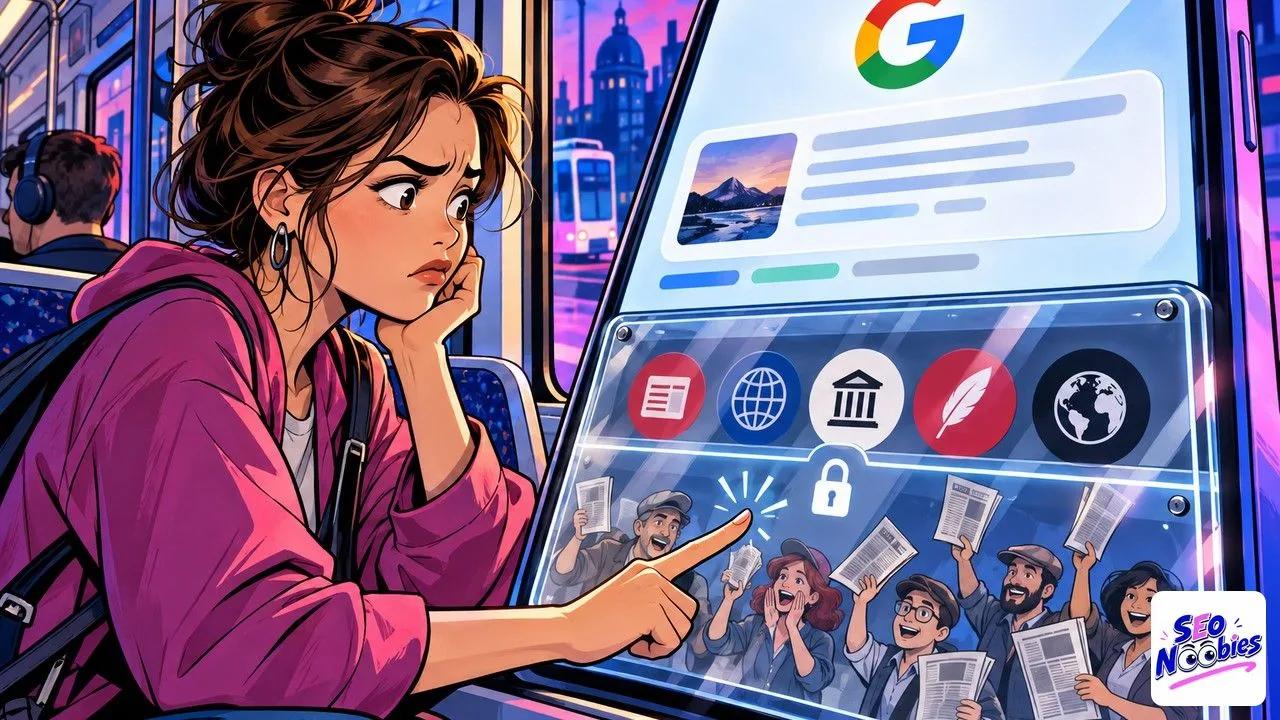
To make sense of the test, it helps to recall how Discover’s AI summaries look. On some topics, the feed shows a card written by Google’s AI that boils down what several outlets published into a few lines. The logos of the sites it used appear on the card, and a button lets readers bring up those sources. That button was how a curious reader could reach the original article.
Damien Andell follows Discover changes closely and regularly shares what he finds. In his post on X, he describes an internal setting named “disable_aio_sources_button_tap”, in other words switching off taps on the sources button. He notes that tapping that button used to open a mini-feed with the articles from the summary’s sources.
The name of the setting matters, because it describes a very specific intent. It takes away the one-tap way into the list of sources in Google Discover, while the list itself stays on screen. Andell does not say how many users see this behavior or in which countries, and no published screenshot lets anyone measure how wide the test is.
Barry Schwartz, who runs Search Engine Roundtable, covered it in his October 26 write-up on the test. He openly wonders whether it could be a bug, given how many clicks it would take away from publishers. A test spotted in Google Discover is still only a test. Google runs them all the time, and plenty never move past a small group of users.
What the test would mean for cited sites
For a site cited in a summary, the sources button was one of the few paths from the AI card to its own page. Without it, readers still see the logos of the outlets used, but they no longer have a direct link to the full article. The brand stays visible, while the visit gets harder.
That situation is familiar from Google Search. Being cited by an AI brings awareness, since the site’s name or logo lands in front of the reader, and it brings far fewer visits than the old blue link did. For a publisher that lives on ads shown on its pages, the difference shows up straight in revenue.
The test also fits a direction that is already visible. SEO Noobies reported that Google is hiring to turn Discover into a more proactive feed filled with AI-generated content, in the piece on Google Discover hiring to generate its own AI content. The same shift is happening in regular search, where AI summaries now appear on most of the searches people run before buying. In both places, Google’s AI increasingly answers before the reader ever reaches a website.
Some perspective helps, though. The test concerns AI summary cards, and a large part of the Discover feed is still made of regular articles, each with its image, headline and direct link. A site that gets its Discover traffic through those regular cards may see no difference at all. The most exposed are news sites whose topics lend themselves to summaries, such as sports, entertainment or whatever is trending that day.
Discover the SEO Noobies agency
Tracking your Discover traffic during the test
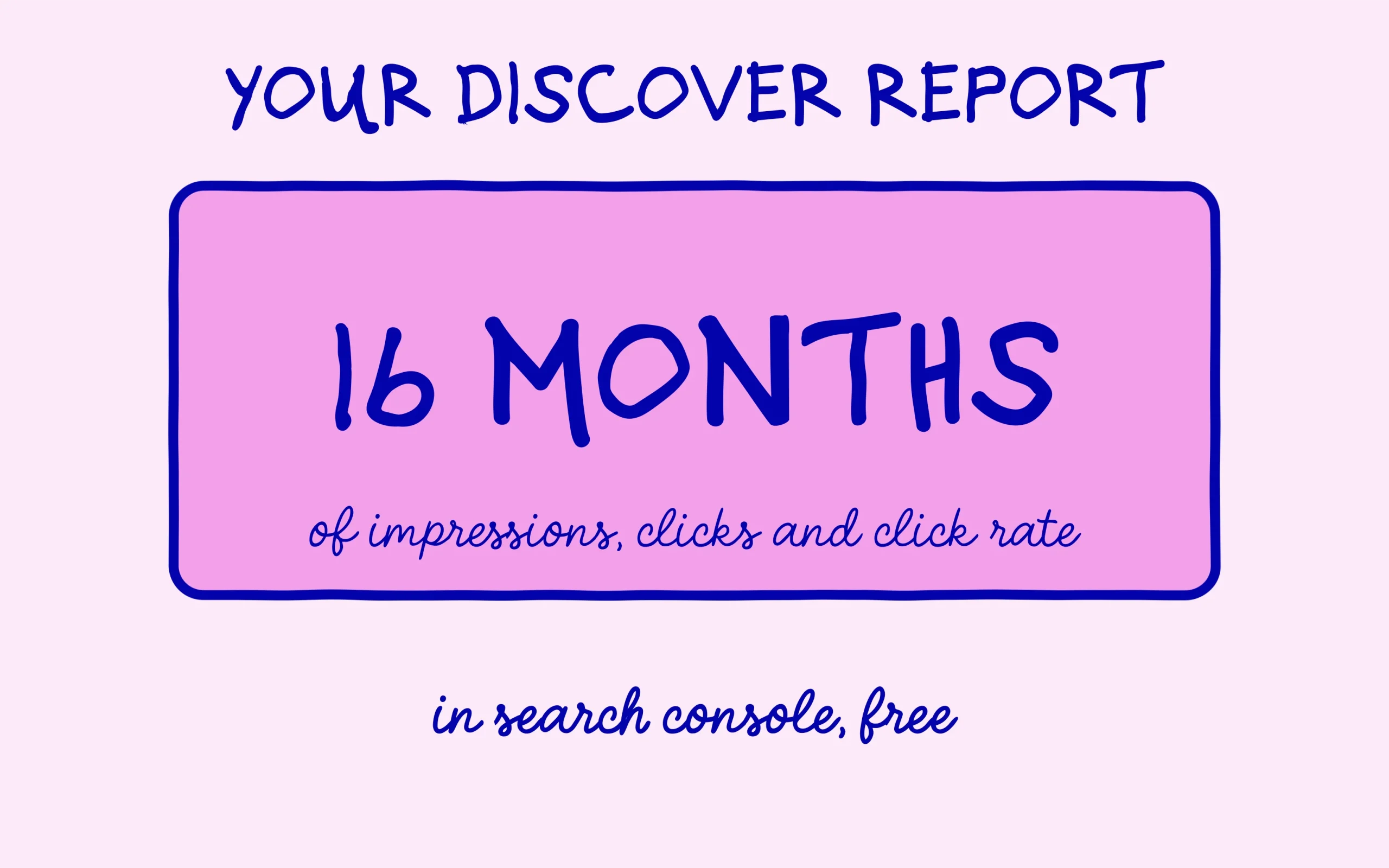
The only way to know whether your site is affected is through your own data. Search Console has a Discover report, separate from the search performance report, that shows impressions, clicks and click-through rate for your pages in the feed. Google’s documentation on Discover says the report covers the last sixteen months.
The routine takes a few minutes a week. Open the Discover report, compare the last seven days with the week before, and pay close attention to click-through rate. If impressions hold steady while clicks fall, your pages are still showing up but fewer people tap through to read them. Jot the numbers down in a simple table, so you can see a trend over a month instead of reacting to a single week.
If a drop does show up in Google Discover, there is no need to rewrite every headline in a hurry. Start by looking at which pages lose clicks and on which topics. If they are heavily covered news topics, AI summaries are a likely cause, and your more practical or specialized pages should hold up better. Keep publishing on the subjects where your site brings something of its own that the AI can’t find elsewhere.
On the content side, the basic Google Discover rules haven’t changed. Google recommends images at least 1,200 pixels wide and headlines that faithfully capture the article, without misleading or exaggerated details to bait the click. An honest headline and a large image remain the basics in Discover. Both are entirely in your hands, whatever happens to this test.
Finally, this test is a reminder that a site does better when it doesn’t rely on a single source of visits. A feed like Discover can change without notice, and Google sets its rules. Visitors who come from search, a newsletter or by typing your address directly make a steadier base, and it pays to build that up in parallel.
Keep learning on SEO Noobies.