
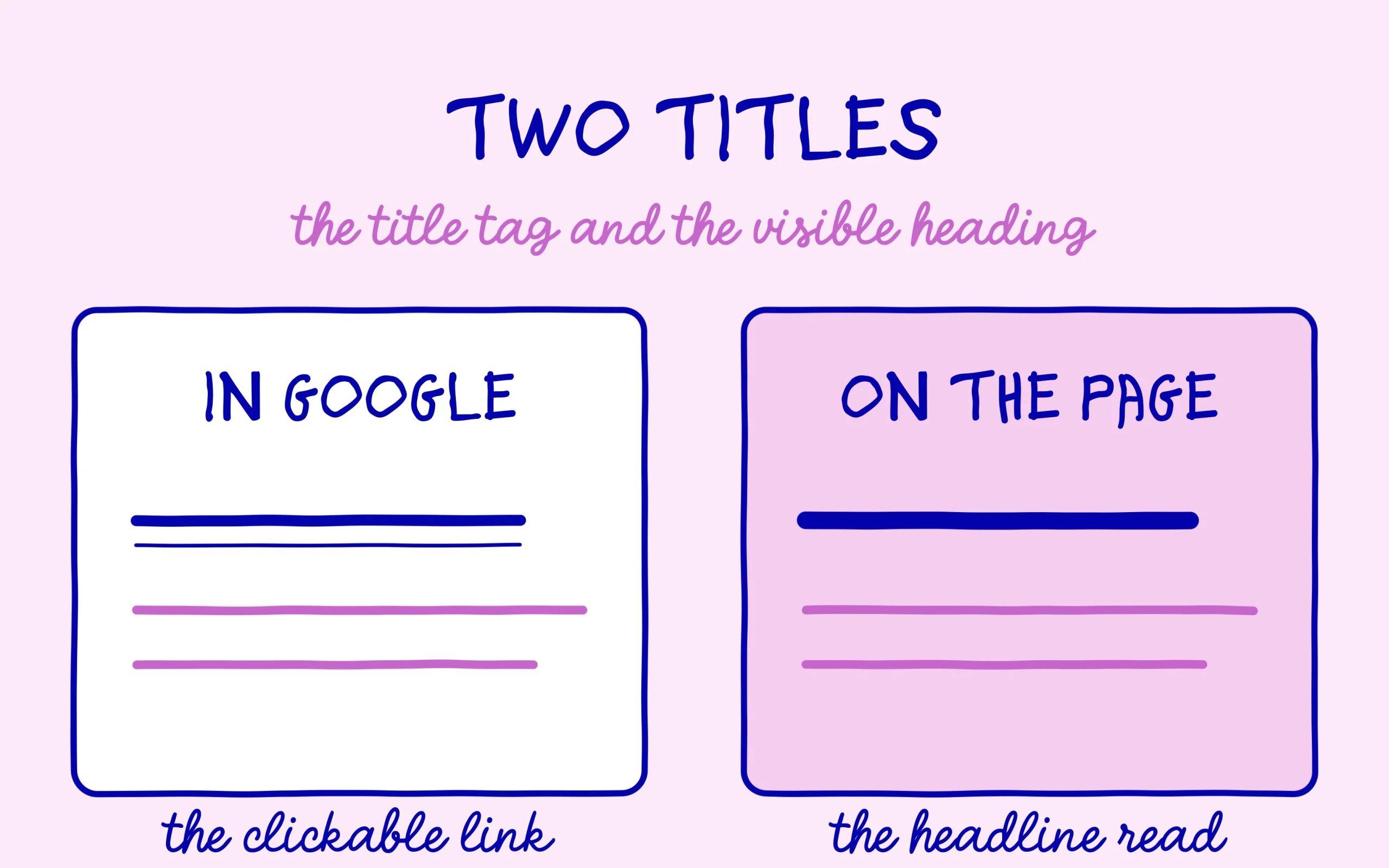
The title tag is the blue clickable line Google shows in its results, and the meta description is the grey paragraph sitting underneath it. Those two fields decide whether someone clicks your page or a competitor’s, and both take about thirty seconds to fill in inside WordPress. Plenty of beginners leave them empty without realising it, because WordPress quietly generates a fallback from the post heading. This guide walks through the full setup in Rank Math, field by field, with the lengths worth aiming for and the mistakes that keep showing up.
TL;DR
The title tag appears as the clickable link in Google, the meta description as the text below it.
Both are set per post inside the Rank Math panel, with no theme code involved.
Google rewrites these fields when it decides another wording answers the query better.
Open one of your published posts, check the Rank Math preview, and fix the first empty title tag you find.
Get an AI summary of this article
What Google actually builds from your title tag
When a page shows up in the results, Google assembles a block from three pieces: the site address, a clickable link, and a description. That clickable link comes from the title tag, a snippet of HTML that stays invisible on the page itself. Readers browsing your site never see it, yet it carries the entire click decision inside the search results.
The common mix-up, the one that trips up beginners most, is treating the title tag and the H1 heading as one thing. The H1 is the large headline visitors read at the top of the page. The title tag lives in the document head and speaks to search engines and results listings. The two can carry different text, and often should, since an H1 can afford to be long and narrative while a title tag rewards compression.
Google documents that it may swap your title tag for different text, pulled from page content or internal headings, when it judges the query calls for another angle. That rewriting shows up most on very generic or keyword-stuffed titles, and you can spot it by searching for your own page.
Here is what’s interesting: the title tag is also one of the few fields generative engines tend to carry through unchanged. When ChatGPT or Perplexity cite a page in answer to a question, the preview shown often reuses the existing title tag instead of rewriting it. A title tag that stays clear and faithful to the page content ends up serving both the click in Google and the citation in an AI-generated answer.
Where the title tag lives inside Rank Math
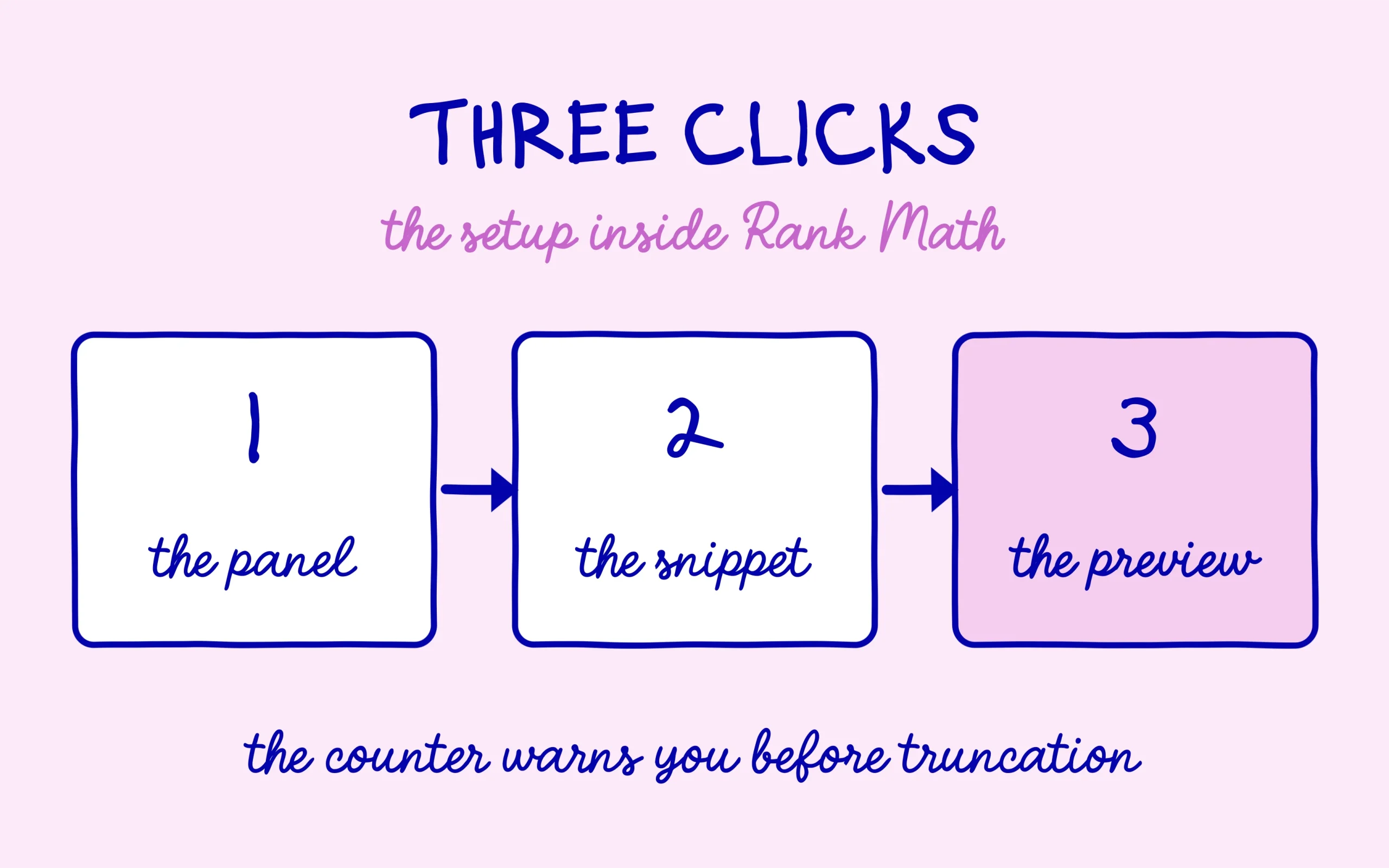
Everything happens in the post editor. Once Rank Math is installed in its free version, which takes ten minutes on WordPress, a panel appears in the right-hand column of the editor, or below the writing area depending on your theme. Inside it you get a preview that mirrors a Google listing, with the title, address, and description stacked the way a real result looks.
The “Edit Snippet” button opens the title tag fields. The first one holds the title tag itself, the second the meta description. A character counter sits under each field and shifts colour once you push past the comfortable zone. That counter is the most useful thing in the panel, because it shows you live when your text is heading for truncation.

There is a global setting too, under the Rank Math menu in Titles and Meta. It defines the template applied automatically to any post without a custom title, something like post heading, separator, site name. That template acts as a safety net for pages you will never touch by hand, and it deserves one careful pass at the start of a project.
Rank Math also runs a live optimization score under the panel, ticking off a series of checks as you write. Keyword presence in the title tag is one of them, along with its position near the start of the field. That score measures the form of the field, and it flags empty or overly short titles fast once a site’s post count starts climbing.
The meta description, the field Google overrides most
The meta description carries no direct ranking weight, and Google has said so repeatedly. Its job is commercial: it decides whether the person scanning the results picks you. A description that restates the concrete promise of the page, in the words the reader typed, earns more attention than a hollow sentence copied across every post.
Google frequently replaces the meta description with a passage lifted from the page body, chosen to match the query. That behaviour is normal and happens even on carefully optimised pages. Writing one anyway pays off: when Google keeps it, you control the message, and when Google swaps it, you lost nothing.
Displayed length shifts with the device and the query, so no character count holds as an absolute rule. Put the essential information in the first half of the description, and everything after it becomes a bonus rather than a risk. That habit protects you from truncation whatever screen width the reader is on.
One thing to watch: the meta description can carry a light call to action, something like “the full walkthrough” or “with screenshots included,” without tipping into ad copy. That small detail helps a scanning reader decide in one second whether your page actually answers what they typed, before they even click through.
Three mistakes that keep showing up on title tags
The first is leaving the field blank and assuming WordPress handles it. Technically it does, reusing the post heading followed by the site name. Trouble starts when your editorial heading was written to be read on the page, with long or allusive phrasing that collapses inside a results listing.
The second is stacking keywords separated by dashes, hoping to cover several queries at once. Readers spot that format instantly, it reads badly, and it is exactly the scenario where Google rewrites your title. The version that wins looks like a sentence a human would have written by hand.
The third involves duplication. Two pages carrying an identical title tag send a muddled signal and end up competing with each other in the results. It happens most on paginated blog archives and near-identical product pages. A quick pass through the site, title by title, catches the duplicates while the corpus is still small. The same habit applies to the breadcrumbs Rank Math adds to your pages, another field left on default settings even though it sometimes shows up in Google’s own results too.
One thing to watch: Rank Math ships a SERP analysis module right in the dashboard, listing the titles currently showing for your ranking pages. Comparing that list against what you originally typed shows exactly where Google preferred its own wording, and it gives you a concrete starting point for fixing the titles that got rewritten.
Checking your setup before you hit publish
The fastest check on your title tag is the Rank Math preview itself, which renders a Google listing live as you type. Look at whether the title truncates in the mobile preview, then in the desktop one, since the two widths differ. Phrasing that survives both is phrasing you can trust.
After publishing, the real verification happens in Google. Type the site: operator followed by your page address into the search bar and read the listing that comes back. That is the only way to know whether Google kept your title tag or replaced it. Comparing that listing against what you wrote teaches you a lot about what Google considers relevant for your queries.
This check matters even more on a site that just launched, when every published page counts double. A title tag written carefully at publication time saves you from revisiting it months later, once the page has already collected impressions on a poorly calibrated phrase. The most profitable habit is treating the title tag as a real step in publishing, on par with proofreading the text, rather than a technical field filled in on autopilot at the very end.
One last habit earns its keep: reopening the title tags on older posts every quarter. Pages collecting impressions in Search Console without picking up clicks are precisely the ones whose titles deserve a rewrite. It is the quickest lever in SEO, since it improves a result that already ranks instead of building a new one from scratch.
What’s interesting when you dig into that gap between impressions and clicks is how a title tag can age without a single word of the content changing. A promise written two years ago sometimes loses its edge against newer or better-phrased competing results. Editing a title tag produces a measurable effect without republishing and without a single new line of content, which makes it one of the fastest SEO tweaks to test.

Keep learning on SEO Noobies.
This article contains affiliate links: if you subscribe to a paid plan through a link on this page, SEO Noobies may earn a commission at no extra cost to you.